Most “best Mac email client” lists are written by companies that rank their own app first, and several still recommend Postbox, which stopped being developed in 2024. This one is written by a company too: I make Roost, one of the apps below. So I’ve stuck to what each app’s own site, pricing page and privacy policy say, checked on 4 November 2026, and I’ve put the questions that matter for several accounts ahead of looks.
The short version
- Only Gmail accounts: Mimestream is the most polished native option, at $49.99 a year.
- Free and good enough: Apple Mail, if its search and reply-address quirks don’t bother you.
- Gmail, iCloud, Zoho, Yahoo and custom domains together, with mail kept on the Mac and a one-time price: Roost.
- Skip for privacy-minded setups: the new Outlook for Mac copies outside accounts into Microsoft’s cloud, and Superhuman reads your mail on its servers and works only with Gmail and Outlook.
What matters when you have several accounts
With one Gmail, almost any app is fine. With five inboxes on four providers, these five questions separate the apps:
- Does it support every provider you have? Several popular apps support only Gmail, or Gmail and Outlook. iCloud needs an app-specific password, and Zoho and Yandex are often missing from sign-in screens.
- Does a reply go out from the address the letter came to? Getting this wrong is how a customer gets an answer from your personal Gmail.
- Where do your mail and passwords live? Some apps keep everything on your Mac. Others store sign-in tokens or copies of mail on their own servers for push, scheduling, sharing or AI.
- How do you pay? A subscription, a one-time price, or free with limits.
- Is it a real Mac app? Native apps follow macOS shortcuts, menus and text handling. Electron apps are web pages in a window.
Eleven apps side by side
Prices are from each app’s own pricing page or Mac App Store listing on 4 November 2026, in US dollars unless marked.
| App | Price | Providers | Company servers involved? | Native |
|---|---|---|---|---|
| Apple Mail | Free | Any IMAP, iCloud, Google, Exchange | No | Yes |
| Outlook for Mac | Free for personal use | Any IMAP, Microsoft, Gmail, iCloud, Yahoo | Yes: outside accounts sync through Microsoft’s cloud | Yes |
| Spark | Free; $99 or $199 a year | Any IMAP and the big providers | Partly: Send Later, sharing, AI | No (Electron) |
| Thunderbird | Free | Any IMAP or POP, Exchange | No (telemetry on by default) | No |
| Mimestream | $49.99 a year | Gmail only | No | Yes |
| Superhuman | Business plan, $33 a month yearly | Gmail and Outlook only | Yes | No (Electron) |
| Canary Mail | Free; $36 or $100 a year | Any IMAP and the big providers | For phone push and AI | Not checked |
| Airmail | $49.99 a year or $7.99 a month | Any IMAP or POP and the big providers | Sign-ins, if real-time push is on | Yes |
| eM Client | Free for 2 accounts; €39.95 once | Any IMAP and the big providers | Only optional eM Sync | Not checked |
| MailMate | $10 every 3 months | Any IMAP | No | Yes |
| Roost | $29 once at launch, then $49; or $4 a month | Gmail, iCloud, Yahoo, AOL, Zoho, Yandex, any IMAP | No | Yes |
“Company servers involved” means the app maker’s servers handle your mail, its contents or your sign-ins for some feature. Every app talks to your mail providers; that’s how mail works.
The apps, one by one
Apple Mail
It’s free, it’s already on your Mac, it supports any IMAP account, and it keeps your mail between your Mac and your providers. All Inboxes puts every account in one list. For many people that’s enough.
The trouble starts with more accounts. Gmail’s labels show up as folders, so the same letter can sit in several places, and Apple’s forums have long threads about deleted Gmail coming back and All Mail being treated as Archive. The “Send new messages from” setting is either one fixed account or “automatically select the best address,” and people report it picking the wrong one. On macOS Tahoe, there are threads from October and November 2025 about Mail search missing messages that Spotlight finds. It also downloads each whole mailbox; there’s no “only the last few months.”
Outlook for Mac
Free for personal use since 2023 and a proper Mac app. The catch is where your other accounts go. Microsoft’s own support page says that when you add Gmail, iCloud, Yahoo or IMAP accounts, “a copy of your email, calendar, and contacts will be synchronized between your email provider and Microsoft data centers.” If you use Outlook for your Microsoft account anyway, that may not matter. If you picked a Mac client to keep your Gmail off a third company’s servers, it does.
Spark
Spark has a free plan with unlimited accounts and a well-made unified inbox. Since 2022 the Mac app is built on Electron; the older native app lives on as Spark Classic and gets no new features. Readdle’s privacy policy says most data is processed on your device, but shared drafts, Send Later and AI features process your data on its servers. Plus is $99 a year and Pro $199.
Thunderbird
Free forever, supports anything, and Mozilla says messages are stored on your device and “never sent to us.” It doesn’t look or behave like a Mac app, and Mozilla is rebuilding its message database in 2026. A good pick if you want free and open source more than you want Mac-feeling.
Mimestream
The most polished native Gmail app on this list. It’s built on the Gmail API, so labels and threads behave like Gmail, and its privacy policy says it doesn’t send your credentials or mail to any service it runs. But its own FAQ says it “currently only supports Gmail.” Outlook and IMAP are planned with no date. $49.99 a year or $4.99 a month, subscription only.
Superhuman
Superhuman is now a bundle with Grammarly, and its Mail is only in the Business plan: $33 a member per month billed yearly, $40 monthly. (Its own comparison page still says $25, so its site disagrees with itself.) It’s “built for Gmail and Outlook,” so iCloud, Zoho, Yandex and custom IMAP are out. Its privacy policy says it receives the emails you let it access and uses collected information to train its AI models, which you can turn off.
Canary Mail
Free for two devices, then $36 or $100 a year, plus lifetime bundles on the App Store. Its privacy policy says mail stays on the device, except that phone push temporarily stores your address, credentials, sender, subject and first line on Canary’s server, and AI models “must be hosted on server.”
Airmail
Native, long-running and full of options. It moved to subscriptions in 2019 and now costs $49.99 a year on the App Store; a Mac Power Users thread from February 2026 describes a renewal that jumped without much warning. An Airmail privacy policy says credentials are stored for push when real-time monitoring is on. Its current policy page returned an error when I checked, so I couldn’t confirm the latest wording.
eM Client
Feature-heavy and sold once (€39.95) or yearly. Its free plan stops at two accounts, which is the wrong limit for anyone reading this. eM Client bought Postbox in 2024 and ended it, so if you came from Postbox, this is where its makers went.
MailMate
A keyboard-driven IMAP power tool with a loyal following, $10 every three months. The last public release is from 2020; version 2.0 has been in beta for years. Great if you want Markdown and smart mailboxes and don’t mind its age.
Roost
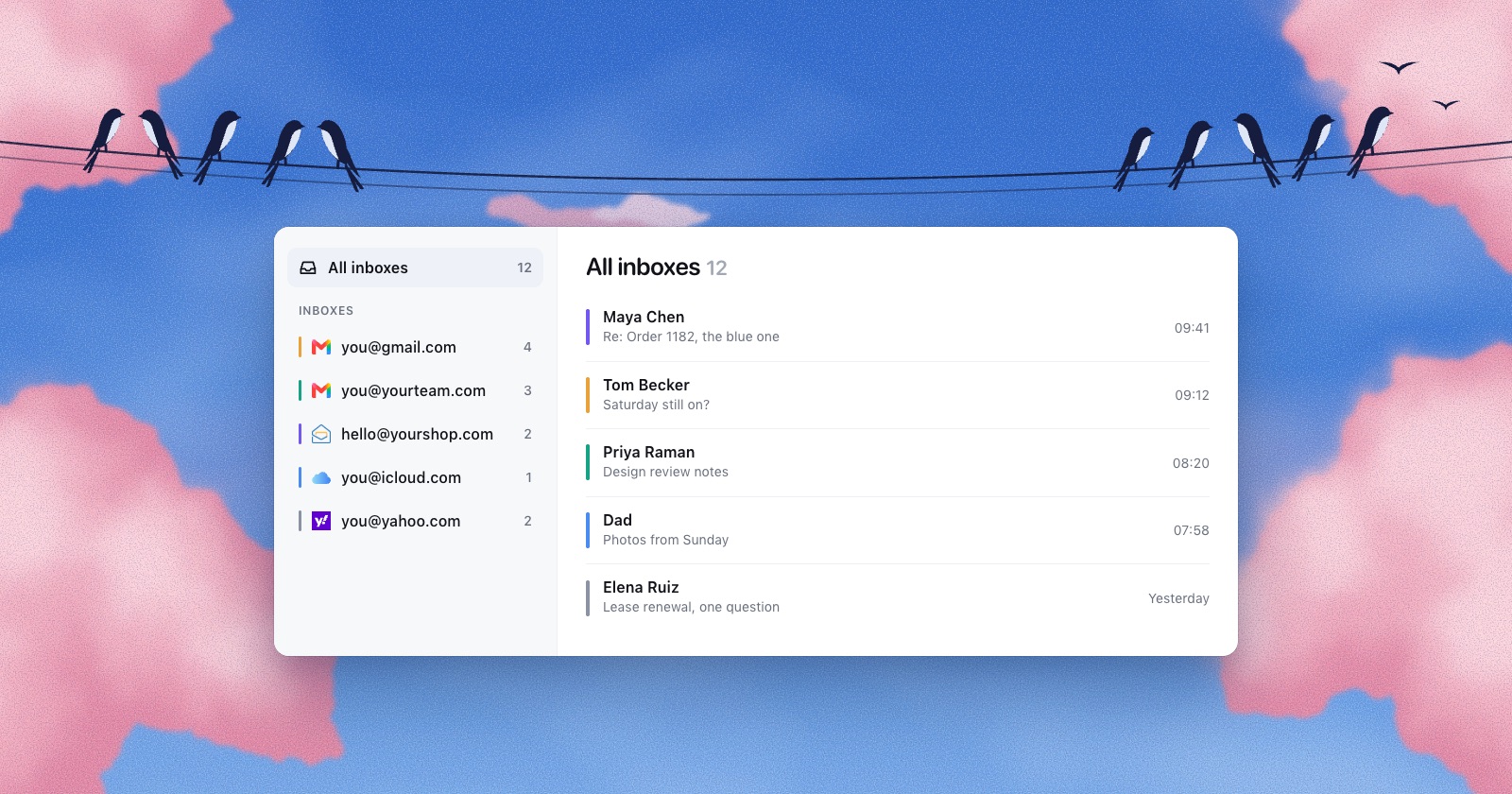
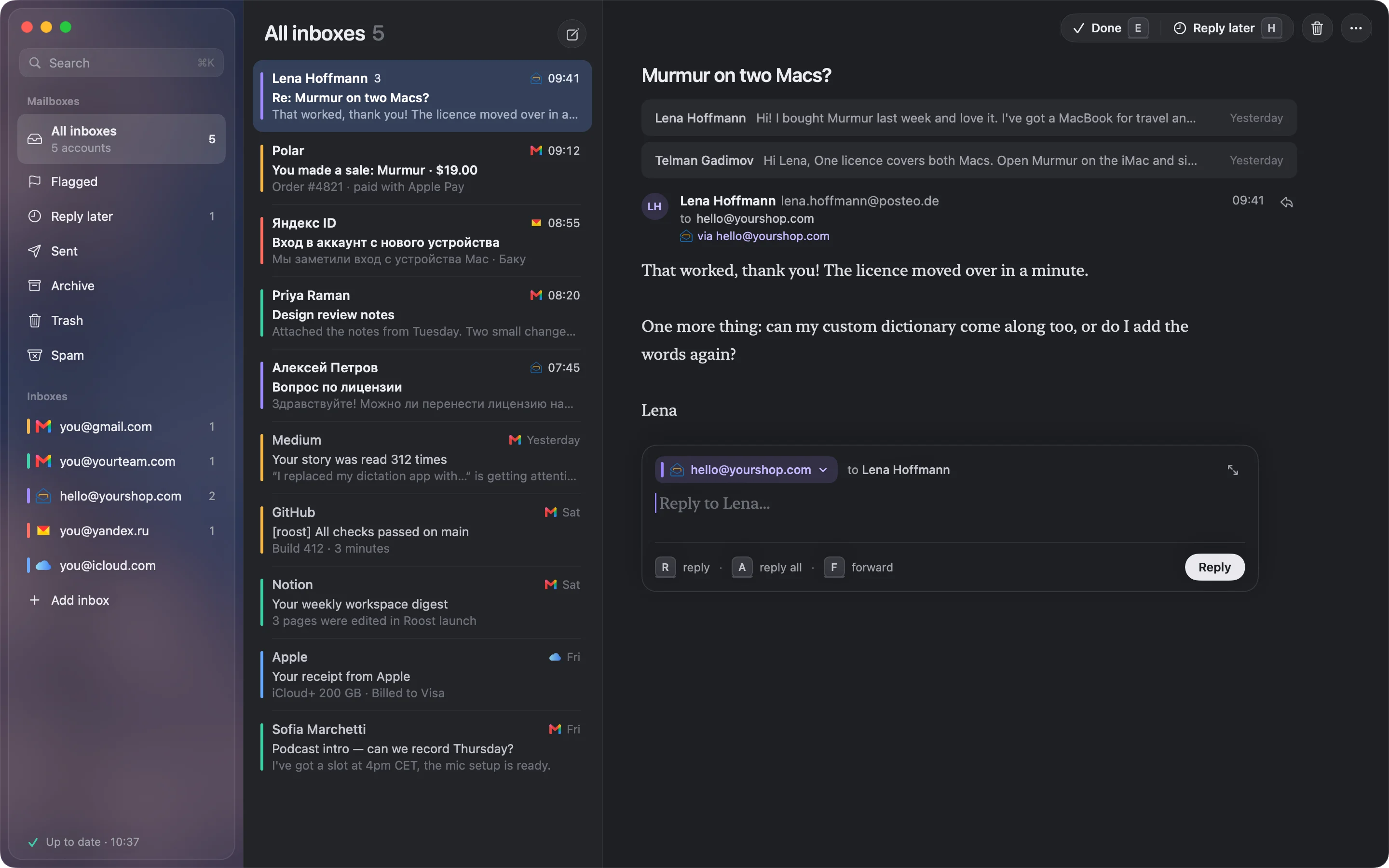
The one I make. It’s a native Mac app for exactly this reader: several Gmails, a Zoho or custom domain, iCloud, Yandex, Yahoo. Every inbox in one list, each with its own colour, and a reply always leaves from the address the letter came to. Mail is stored on your Mac and sign-ins in its Keychain. Roost has no server and no account. It also blocks tracking pixels even when you allow images, and you can pay once ($29 for the first 100, then $49) or $4 a month.
What it doesn’t do yet: Outlook.com and Microsoft 365, because Outlook.com’s IMAP has been refusing almost every login since September 2026. It needs macOS 15 and Apple silicon. Gmail connects with an app password until Google finishes reviewing Roost’s sign-in.
Left off this list
Postbox: bought by eM Client in October 2024, with support ended that December. Several ranking pages still list it. I also left out browser wrappers that put Gmail’s website in a window, since they don’t handle non-Gmail accounts.
How to choose
- All your accounts are Gmail or Google Workspace: Mimestream.
- You want free and your accounts behave in Apple Mail: Apple Mail. Try it for a week before paying for anything.
- You want free, open source and every protocol: Thunderbird.
- You mix Gmail, iCloud, Zoho, Yandex or custom domains, and you want mail kept on your Mac: one of the native apps that keep it there. Check that your providers are on its list, and look at how it decides the reply address.
- Your work lives in Microsoft 365: Outlook is built for that, as long as the cloud copy of your other accounts is fine with you.
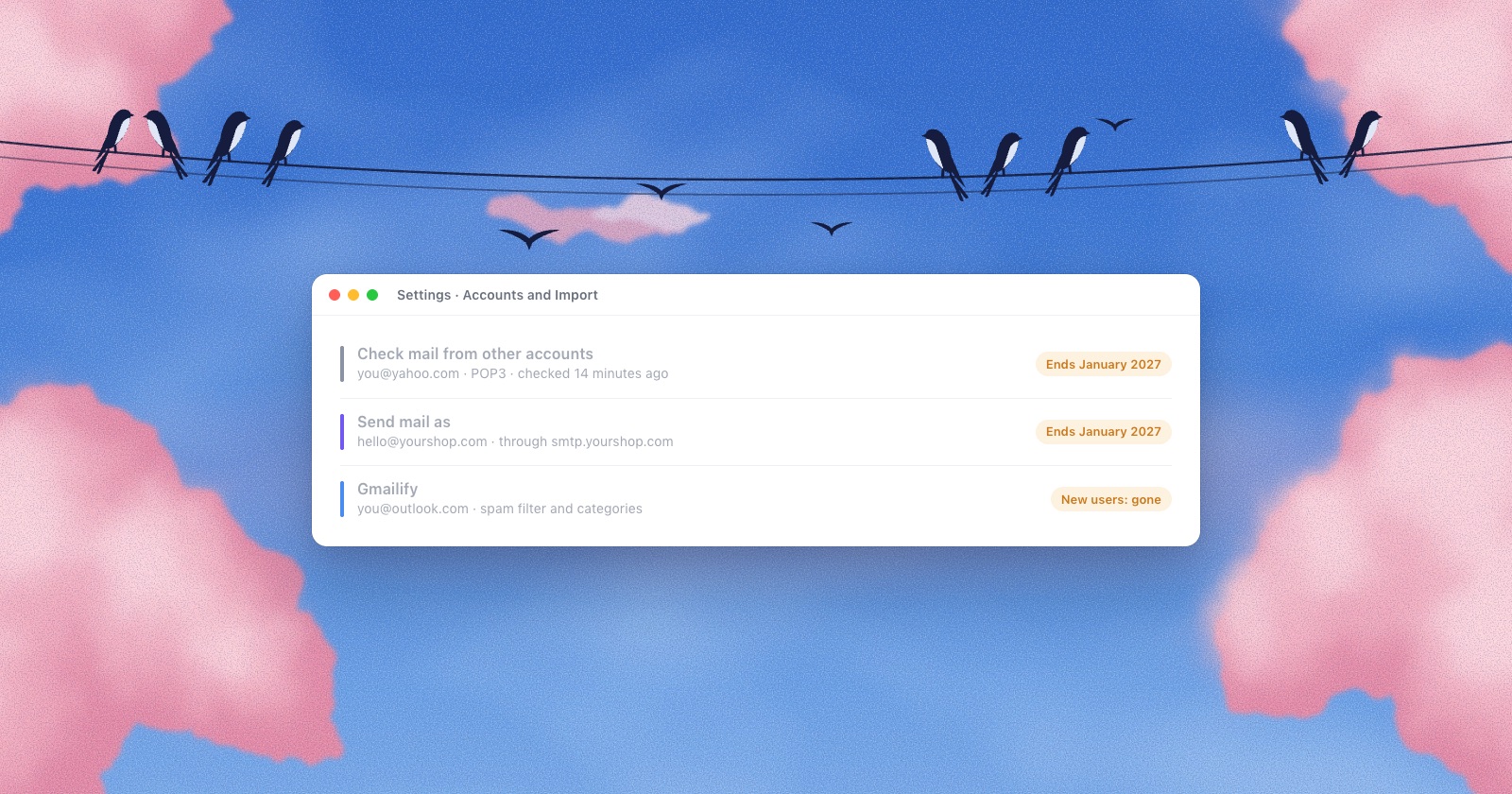
If you use Gmail as the hub for your other addresses, note that Google ends POP fetch, Gmailify and “Send mail as” for outside addresses in January 2027. Here is what still works.
Questions
Can Apple Mail handle multiple email accounts?
Yes. Apple Mail supports any number of IMAP accounts, plus iCloud, Google and Exchange, with an All Inboxes view. People with many accounts mostly run into Gmail label duplicates, search gaps on macOS Tahoe and replies sent from the wrong address.
Which Mac email clients keep my mail off their own servers?
By their own privacy pages: Apple Mail, Thunderbird, Mimestream, MailMate and Roost. eM Client does unless you turn on eM Sync. Outlook for Mac copies outside accounts to Microsoft’s cloud, and Superhuman processes your mail on its servers.
Is there a Mac email client with a one-time price?
Yes: eM Client (€39.95) and Roost ($29 at launch, then $49, or monthly) sell once. Mimestream, Airmail, Spark’s paid plans and MailMate are subscriptions.
Does Superhuman work with iCloud or Zoho?
No. Superhuman says its Mail is built for Gmail and Outlook.
Does Mimestream support Outlook or IMAP?
Not yet. Its FAQ says it currently only supports Gmail; Microsoft 365, Outlook and IMAP are planned without a date.
Sources
- Apple, Add email accounts in Mail on Mac and Composing settings
- Microsoft, Sync your account to the Microsoft Cloud
- Readdle, Spark pricing and privacy policy; Michael Tsai, Spark switches to Electron (2022)
- Mozilla, Thunderbird privacy notice
- Mimestream, pricing, FAQ, privacy
- Superhuman, plans and privacy policy
- Canary, pricing and privacy
- Airmail, Mac App Store listing; Mac Power Users thread
- eM Client, pricing; TidBITS, Postbox acquired by eM Client
- Freron, MailMate pricing and blog
- Apple Community: reply address changing, search missing messages on Tahoe