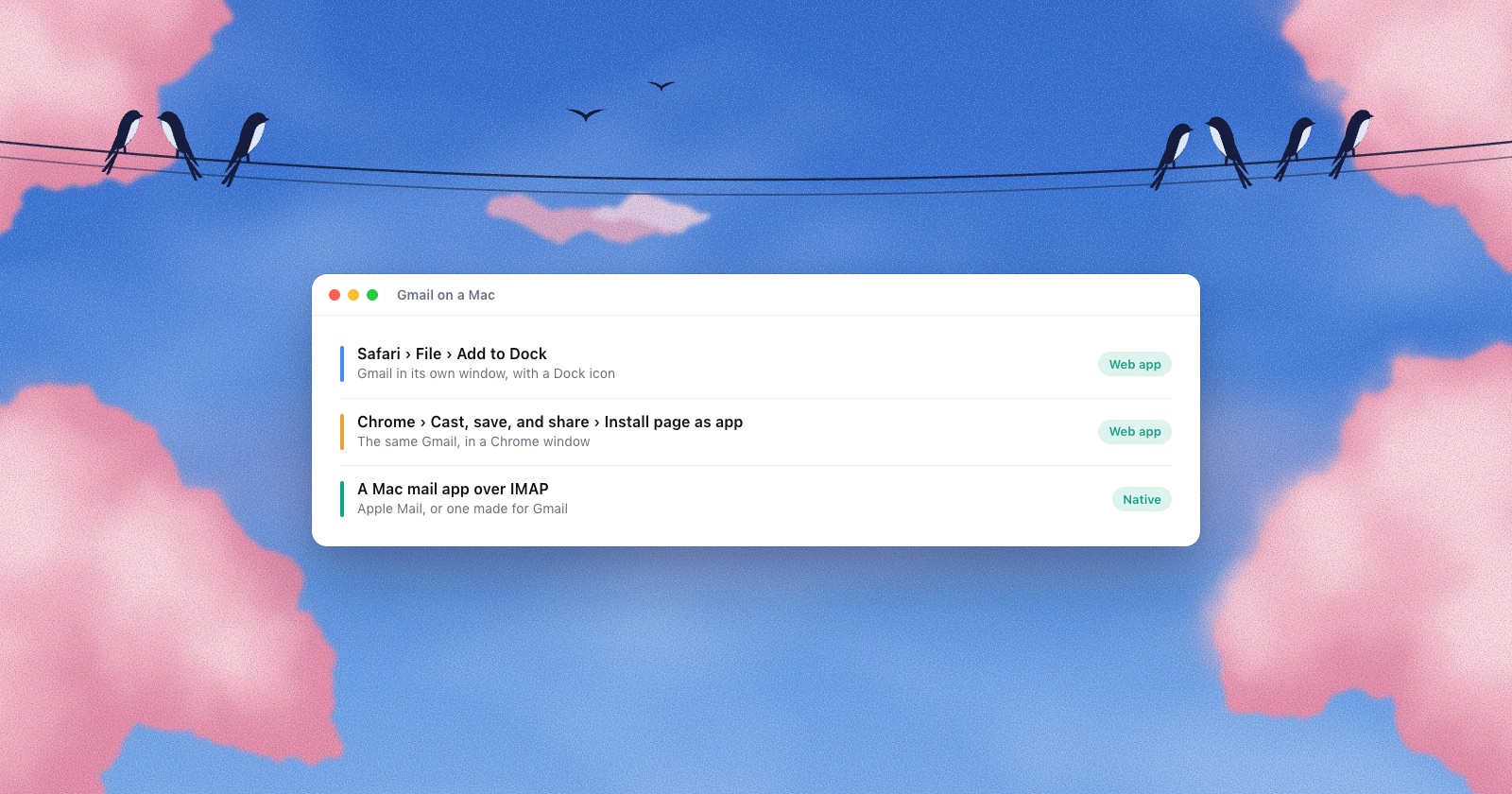
No. Google makes Gmail apps for iPhone, iPad and Android, and none for macOS. On a Mac you get Gmail in a browser, Gmail as a web app in its own window, or your Gmail account inside a Mac mail app. Each of those behaves differently with notifications, offline mail and deleting, and this guide goes through what each one really does.
The short version
- The quickest “app” is Safari’s File › Add to Dock (macOS Sonoma or later). It’s Gmail’s website in its own window, with its own Dock icon.
- For Gmail offline, use Chrome. Offline Gmail works only in Chrome, for one account per setup, and only syncs while Chrome is open.
- Apple Mail works with Gmail, but Gmail’s labels show up as folders and deleting doesn’t always do what you expect. The settings below fix most of it.
- If you have other inboxes too, a Mac mail app that handles Gmail and everything else in one window saves you from running Gmail separately.
Why there’s no Gmail app on the Mac
On the App Store, Google’s Gmail app lists iPhone and iPad only. That’s more telling than it looks. Since Apple silicon, iPad apps run on Macs by default, and a developer has to switch that off in App Store Connect to keep an app off the Mac. So Gmail’s absence from the Mac App Store is Google’s choice. Google has never said why.
The Mac App Store does have several apps with “Gmail” in the name, such as “Mail for Gmail” or “Email App for Gmail.” None of them is from Google. If the seller line doesn’t say Google LLC, it isn’t Google’s app.
1. Safari: Add to Dock
Since macOS Sonoma 14, Safari can turn any site into a web app with its own window and Dock icon.
- Open
mail.google.comin Safari and sign in. - Choose File › Add to Dock (or the Share button › Add to Dock).
- Keep the name “Gmail” or type your own, and click Add.
The app is saved in the Applications folder in your home folder and opens from the Dock or Spotlight. It keeps its own cookies, separate from Safari, so you sign in to Google once more inside it.
Two details Apple’s guide spells out. Notifications only work if you allow them when the web app asks, not in Safari. And the red number on the Dock icon counts unread notifications, not unread mail, so it won’t match your inbox count. Turn on Gmail’s own desktop notifications too: Settings › See all settings › General › Desktop notifications.
A Safari web app has no offline mail. If the Wi-Fi drops, it shows nothing.
2. Chrome: install Gmail as an app, and Gmail offline
Chrome does the same with More (⋮) › Cast, save, and share › Install page as app. You get a Chrome window without tabs and a Dock icon. Remove it later with More › Uninstall Gmail, or from chrome://apps.
The reason to pick Chrome is Gmail offline, which Google supports only “in a Chrome browser window.” To turn it on, open Gmail’s Settings › See all settings › Offline, tick “Enable offline mail,” pick how many days to keep, and click Save changes. Mail you send offline waits in an Outbox and goes out when you’re back online.
The limits, from Google’s help pages:
- It works for the account you set it up with. Each other Google account needs its own setup.
- Mail syncs only while Chrome is open.
- It doesn’t work in Incognito or Guest windows.
- Google’s Workspace page gives 30 days as the default, with 7, 30 or 90 days to choose from. Spam and Trash aren’t kept.
- You can download attachments offline but not preview them.
3. Apple Mail
Apple Mail is already on your Mac. Choose Mail › Add Account, pick Google, and sign in on Google’s page in your browser. Mail never sees your Google password.
It works, and many people use it for years. But Gmail isn’t built like a normal IMAP mailbox, and that explains most of the confusion on Apple’s forums.
Labels show up as folders
Google’s words: “Gmail treats labels as folders for the purposes of IMAP.” A letter with three labels sits in three folders, plus a folder called [Gmail]/All Mail that holds everything. Apple Mail lists it in each, which is why search shows the same message more than once.
Deleting may only remove a label
When you delete a letter from the Inbox or a label in a mail app, Gmail by default takes the label off and keeps the letter in All Mail. Google says you’ll “find messages you delete from an IMAP folder in your ‘All Mail’ label.” If All Mail is hidden in Mail, deleted letters seem to come back. What happens is set in Gmail on the web, under Settings › See all settings › Forwarding and POP/IMAP:
- Auto-Expunge: on means Gmail acts the moment a mail app marks a letter deleted.
- “When a message is marked as deleted and expunged from the last visible IMAP folder”: archive it, move it to Trash, or delete it forever. Pick Trash if you want delete to mean delete.
A few more Gmail rules
- Gmail files a copy of everything you send through its server in Sent. A mail app that also uploads its own copy gives you two.
- Google advises leaving your mail app’s junk filter off, because Gmail already filters spam before mail reaches the app.
- One Gmail account can be open in up to 15 mail apps at a time. Past that, you get “Too many simultaneous connections.”
- For very large mailboxes, Google suggests limiting each IMAP folder to 10,000 messages in the same settings tab.
- IMAP is always on for personal Gmail since January 2025. There’s no switch to look for anymore.
4. A Mac app made for Gmail
Some Mac apps use the Gmail API instead of IMAP, so labels, threads and deleting behave exactly like Gmail on the web. Mimestream is the best known: native, keeps your data and tokens on your Mac, $49.99 a year or $4.99 a month. Its FAQ is plain that it “currently only supports Gmail.” Shortwave and Superhuman are also built around Gmail, with their own servers in the middle and monthly prices per user.
If every account you have is a Google account, this is the most Gmail-like experience on a Mac.
5. A Mac app for Gmail and your other inboxes
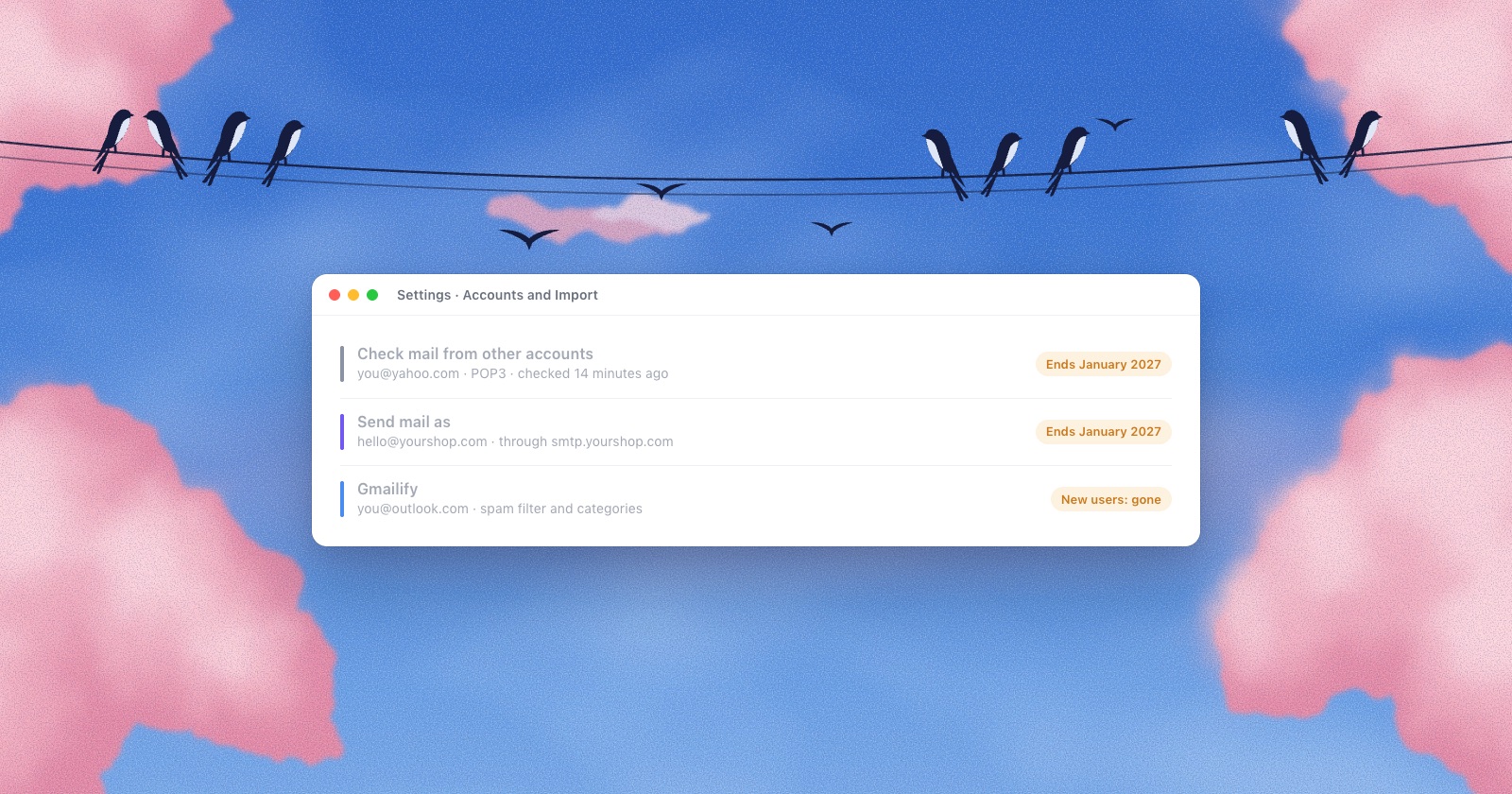
Most people asking for a Gmail app for Mac have more than Gmail: a work address, an iCloud address, a shop on Zoho. Until now, many of them read everything inside Gmail with “Check mail from other accounts” or Gmailify. Google removes both, and “Send mail as” for outside addresses, in January 2027. I wrote up what still works after that.
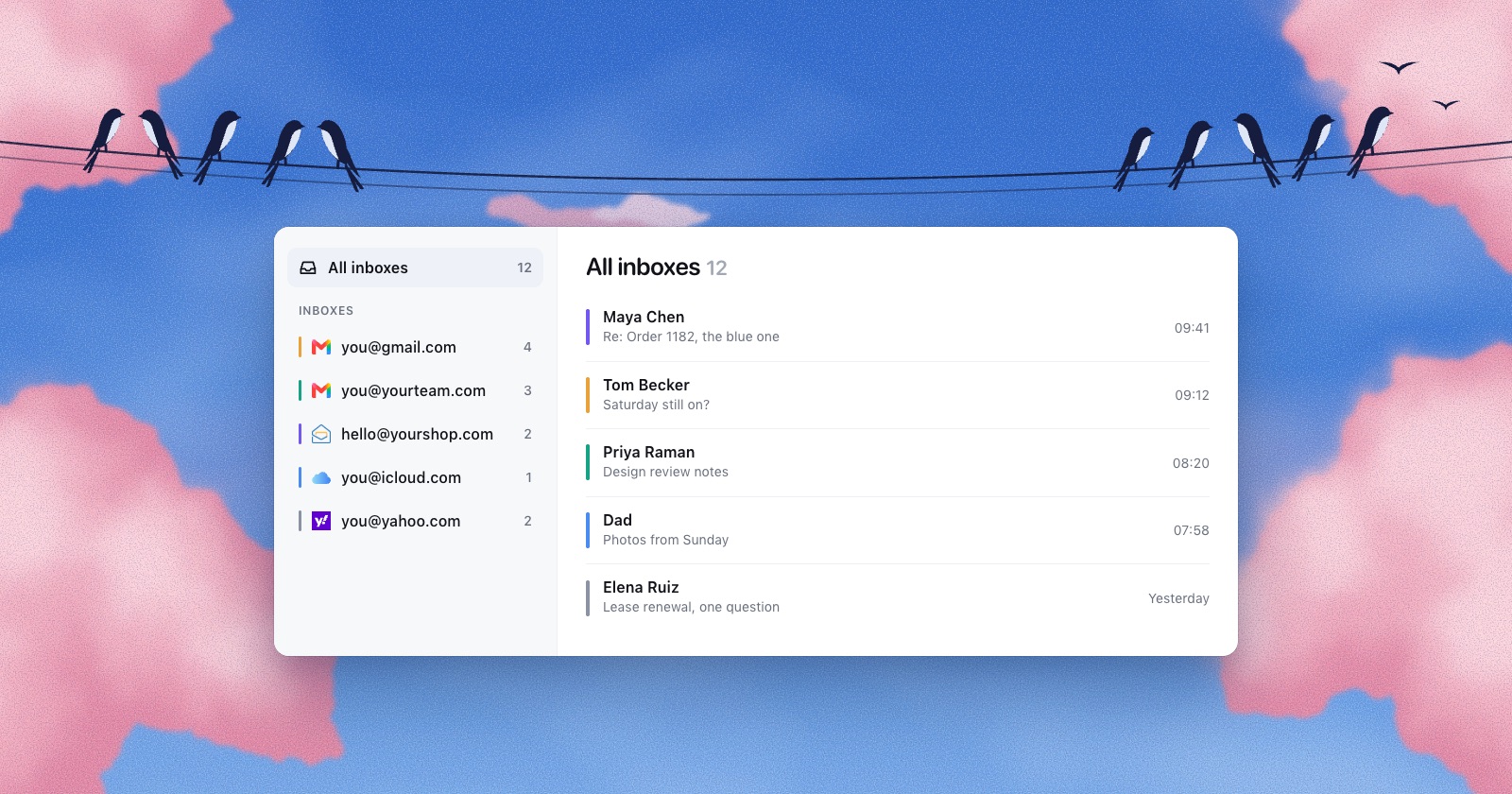
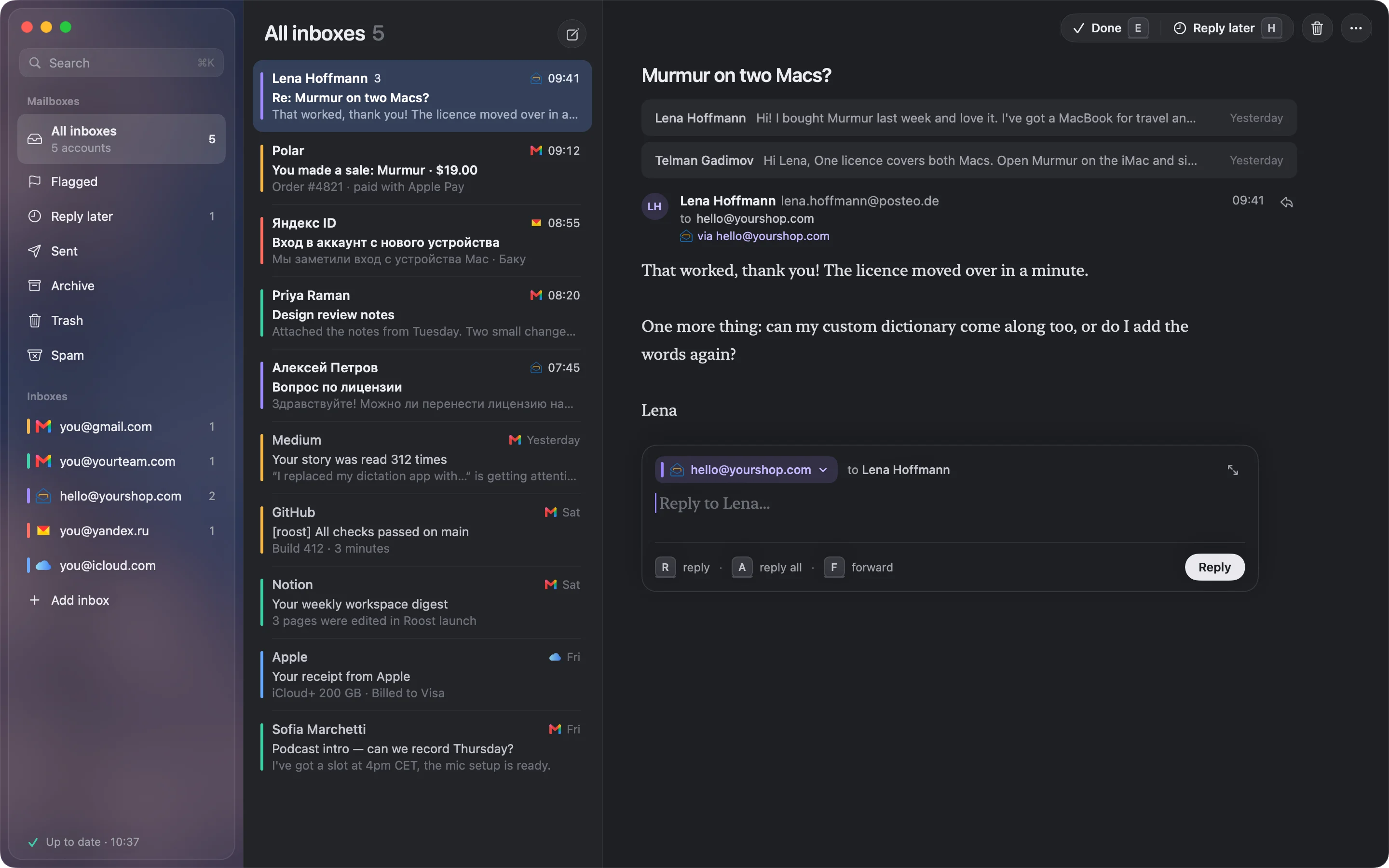
A mail app that connects to each account directly puts Gmail and the rest in one window, and each reply goes out from the right address. That’s what I built Roost for. It treats Gmail’s All Mail as the Archive, shows a letter that sits in both Inbox and All Mail once, and lets Gmail file your Sent copy instead of uploading a second one. Here is how it compares with ten other Mac apps.
Passwords: Sign in with Google or an app password
Gmail no longer lets mail apps sign in with your normal password. Personal accounts lost that in 2022; Google Workspace accounts on March 14, 2025. Apps now use “Sign in with Google,” or an app password.
An app password is a 16-character code made at myaccount.google.com/apppasswords. Google’s rules for it:
- You need 2-Step Verification on.
- The option is missing if your 2-Step Verification uses only security keys, if you use Advanced Protection, or for many work and school accounts.
- Google shows each one once, and revokes all of them when you change your Google password.
- Google calls them “not recommended and are unnecessary in most cases,” meaning where an app offers Google sign-in.
Roost uses an app password for Gmail today. Google sign-in comes once Google finishes reviewing Roost.
Which one to pick
| Option | Offline | Other accounts | Cost |
|---|---|---|---|
| Safari web app | No | No | Free |
| Chrome app + Gmail offline | Yes, while Chrome is open | Google accounts, one setup each | Free |
| Apple Mail | Yes | Yes, any IMAP | Free |
| Gmail-only Mac app | Yes | Google accounts only | From $49.99 a year (Mimestream) |
| Mac app for all your inboxes | Yes | Yes | Varies; Roost is $29 once at launch, then $49, or $4 a month |
Questions
Is there an official Gmail app for Mac?
No. Google’s Gmail app is for iPhone, iPad and Android. Its iPad version isn’t offered on Apple silicon Macs, which is the developer’s choice. Apps in the Mac App Store with Gmail in the name are made by other companies.
How do I put Gmail in my Mac’s Dock?
In Safari on macOS Sonoma or later, open mail.google.com and choose File › Add to Dock. In Chrome, choose More › Cast, save, and share › Install page as app.
Can I use Gmail offline on a Mac?
Yes, in Chrome only. Turn on Enable offline mail in Gmail’s Offline settings. It works for one account per setup and syncs only while Chrome is open. Safari web apps don’t work offline. Mac mail apps keep mail on the Mac.
Why do deleted Gmail messages come back in Apple Mail?
Deleting in a mail app usually removes a Gmail label and leaves the message in All Mail. In Gmail’s Forwarding and POP/IMAP settings, set what happens to expunged messages to Move to Trash.
How do I get Gmail notifications on a Mac?
In a Safari or Chrome web app, allow notifications when the web app asks, and turn on desktop notifications in Gmail’s General settings. Mac mail apps use macOS notifications directly.
Sources
- Apple App Store, Gmail by Google; Apple Developer, iPhone and iPad apps on Apple silicon Macs
- Apple, Use Safari web apps on Mac
- Google, Use web apps in Chrome and Use Gmail offline; Gmail offline for Workspace
- Google, Add Gmail to another email client, IMAP client settings, Gmail IMAP extensions
- Google, Sign in with app passwords and Transition from less secure apps to OAuth
- Mimestream, pricing and FAQ
- Apple Community, Thousands of deleted emails returning to inbox