You can’t merge two Gmail accounts into one. Google has no tool for it, and its own admin help says so: “There’s no tool that offers a comprehensive way to merge 2 Google Accounts covering all possible Google services.” What you can do is combine them, which usually means one of four things: read multiple Gmail accounts in one inbox, forward one into the other, copy the old mail across once, or switch between them faster.
One of the old ways stops working in January 2027. Everything below is from Google’s and Apple’s help pages as they read on 22 November 2026. I make Roost, a Mac mail app for several inboxes, so I have a stake in the first option; it comes in once, near the end.
The short version
- Google Accounts can’t be merged. Each keeps its own mail, labels, Drive and password.
- To read them together: the Gmail app’s All inboxes on a phone, or a mail app on a computer. Gmail on the web shows one account at a time.
- Automatic forwarding still works, and between two gmail.com addresses so does “Send mail as” after January 2027.
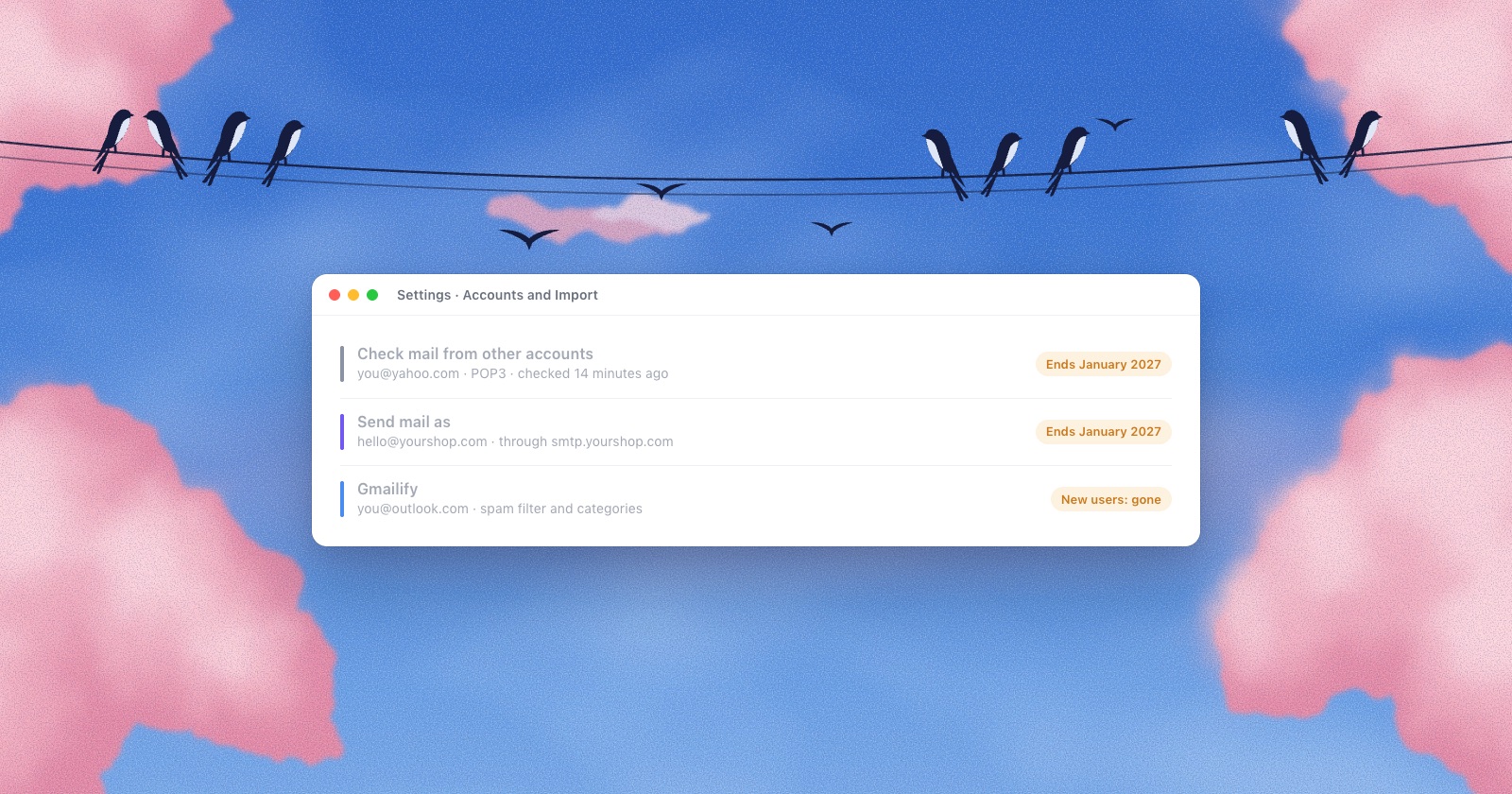
- “Check mail from other accounts,” the POP setting older guides send you to, leaves Gmail on the web in January 2027.
- To copy old mail once: Import mail and contacts (it drops labels), or a Mac mail app.
Why Google won’t merge them
A Google Account is one sign-in with its own Gmail, Drive, Photos, contacts and settings, and no setting folds a second one into the first. The quote above is from Google’s page for Workspace admins whose users ended up with two accounts after a company merger. Even there, Google’s answer is to move each service separately.
The closest Google gets is letting you sign in to several accounts at once, so “you can switch between accounts without signing out and back in again.” They stay separate. So the useful question is what you wanted the merge to do.
Every route side by side
| Route | Replies from | Labels | Spam | Phone alerts | January 2027 |
|---|---|---|---|---|---|
| Gmail app, All inboxes | Each account’s address | Each keeps its own | Each account’s filter | Set per account | No change |
| Forwarding | Main address, or the other via Send mail as | Old ones stay behind | Old account’s spam stays there | Main account’s | Still works |
| POP fetch | As forwarding | Can label fetched mail | Main account’s filter | Main account’s | Setting goes away |
| One-time import | n/a | Not copied | n/a | n/a | Not said for Gmail |
| Switcher or profiles | The account you’re in | Separate | Separate | Gmail app only | No change |
| Delegation | Owner’s, with the delegate’s shown | The owner’s | The owner’s | No alert settings for delegates in the app | No change announced |
| Mac mail app | Each account’s address | Shown as folders | Each account’s filter | On the Mac | No change |
POP fetch is Gmail’s “Check mail from other accounts,” and the one-time import is “Import mail and contacts.” Each route has its own section below.
See them in one inbox
Gmail on the web shows one account at a time: you switch with your profile picture at the top right, or keep each account in its own tab. Its Multiple inboxes layout splits one account’s mail into sections built from searches such as is:starred, and doesn’t pull in other accounts.
On a phone, the Gmail app for Android, iPhone and iPad can. Add the second account from your profile picture in the search bar › Add another account › Google, then tap Menu › All inboxes. Notifications are set per account, and on iPhone they cover only Primary by default, so check the new account’s setting.
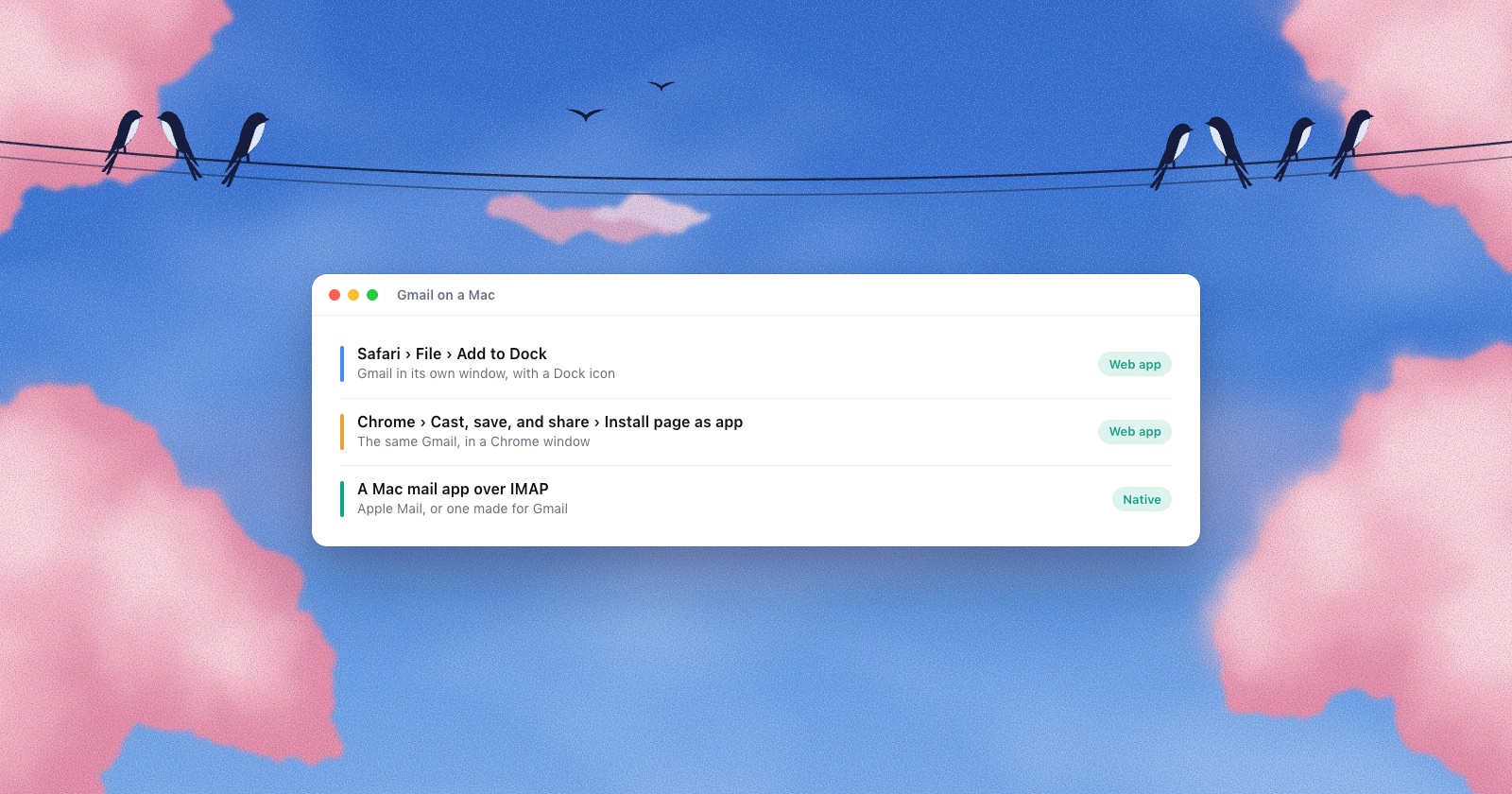
On a Mac there’s no Gmail app (the options are in Is there a Gmail app for Mac?), but Apple Mail takes several Gmail accounts through Mail › Add Account. Apple’s guide for macOS 27: “Adding the All Inboxes mailbox to your favorites allows you to access all your inboxes for multiple accounts at once.” Click the Add Mailbox button at the top of Favorites and choose All Inboxes. Setup steps are in How to add Gmail to Mail on a Mac.
A mail app talks to each account directly, so each keeps its own spam filter and Sent folder, and “Gmail treats labels as folders for the purposes of IMAP.” I compared eleven Mac apps that do this in The best Mac email client for multiple accounts.
Forward one into the other
To have everything inside one Gmail on the web, forward. In the account you’re moving away from:
- Open Gmail on a computer: Settings › See all settings › Forwarding and POP/IMAP.
- Click Add a forwarding address, type your main address, then Next › Proceed › OK.
- In the main account, click the verification link Google sent.
- Back in the old account, refresh, choose “Forward a copy of incoming mail to,” keep Gmail’s copy in the Inbox as Google suggests, and click Save Changes.
For only some mail, verify the address the same way, leave forwarding off and make a filter: search, click Create filter, then Forward it. What it costs you:
- Only new mail moves. Old mail stays put until you copy it (next section).
- Spam stays behind: Google forwards “all new messages to the account, except for spam.” A real letter caught by the old account’s filter waits there.
- Google warns that forwarded messages “often fail SPF authentication” and may land in spam. That page is about mail from other providers; I couldn’t find Google saying whether Gmail-to-Gmail forwarding has the problem.
- Replies go out from the main address unless you add the old one under Send mail as.
Replying as the other address after January 2027
Two Gmail accounts do better here than Gmail plus Yahoo. In January 2027 Gmail drops Send mail as for outside addresses (all of that is in Gmailify and POP fetch end in January 2027) and keeps it for Google ones: “Your ability to send from other Gmail addresses or Google Workspace aliases remains the same.”
In the main account: Settings › See all settings › Accounts and Import › Send mail as › Add another email address. Enter the other address, click Next Step › Send verification, open the link that arrives there, and from then on pick it in the From line. People on Outlook may still see your main address, as “on behalf of.”
The old way: Check mail from other accounts
Older guides have one Gmail fetch the other’s mail over POP, under Accounts and Import › Check mail from other accounts, and Google’s help still lists “Another Gmail account” there. But Google says “The option to ‘Check mail from other accounts’ will no longer be available in Gmail on your computer,” and the feature stopped taking new users after the first quarter of 2026. Its FAQ only mentions third-party accounts, so Gmail-to-Gmail isn’t spelled out. With the setting going, I wouldn’t build on it.
Move the old mail once
For the years of mail already in the old account, there are two ways in.
Gmail’s Import mail and contacts
- In the old account: Settings › See all settings › Forwarding and POP/IMAP › POP Download › Enable POP for all mail, then Save Changes. Google suggests Keep Gmail’s copy in the inbox.
- In the account you’re keeping: Settings › See all settings › Accounts and import › Import mail and contacts. Follow the steps and click Start import.
You get the messages “but not any folders or labels,” and afterwards “Gmail forwards messages sent to your other account for 30 days.” For after January 2027, Google’s FAQ says the one-time import stays for third-party accounts and says nothing about Gmail ones. A running import is also listed under Check mail from other accounts, the section that’s going. If you want it, I’d run it before January.
Copy it in a Mac mail app
With both accounts in Apple Mail, select messages in the old one, hold Option and drag them onto a mailbox of the new one, or Control-click and choose Copy To. Going label by label into mailboxes with the same names keeps your labels. Apple says an IMAP move can fail when messages “are too large, or you exceeded the storage limits set by your email account provider.” Google gives Workspace accounts an IMAP upload limit of 500 MB a day and publishes none I could find for personal Gmail, so I’d go in batches.
Google Takeout downloads a copy of an account’s data, a good backup, but Google doesn’t describe loading that mail into another Gmail account.
Switch between them faster
The account switcher
Sign in to each account once: profile picture › Add account, then switch from the same menu. When Google can’t tell which one you mean, it may apply settings from your default account, usually the first you signed in with.
A browser profile per account
Each profile stays signed in to its own Gmail. In Chrome: Profile › Add Chrome profile. In Safari 17 or later: Safari › Create Profile, and Apple says “Browsing history, cookies, and other website data are not shared between profiles.”
Delegation
One account can open another’s inbox without its password. A personal @gmail.com account can have up to 10 delegates (work and school accounts, 1,000). In the account to be opened: Settings › See all settings › Accounts and Import › Grant access to your account › Add another account (the Gmail app can’t do this). The invitation expires after a week, and access can take up to 24 hours to start working. The inbox then opens in its own tab from your profile picture menu, and mail you send from it shows your address too.
Work and school accounts
Workspace accounts can’t be merged either: “Google Workspace Domain Transfer does not support merging user accounts or account deduplication.” An admin moves the data instead, with the data migration service or Google Workspace Migrate, and Google’s data import can bring a user’s personal Gmail into their work account (a super administrator sets it up, the personal account’s owner approves). Workspace’s own Send as isn’t affected by January 2027.
School accounts get one extra. If the school turned it on, Transfer your content copies Gmail, Drive files and Photos to a personal Google Account, and the copied mail gets a label with the school account’s name and the date.
In Roost
Roost is the Mac mail app I make for this. I have several Gmails myself, next to Zoho and Yandex.
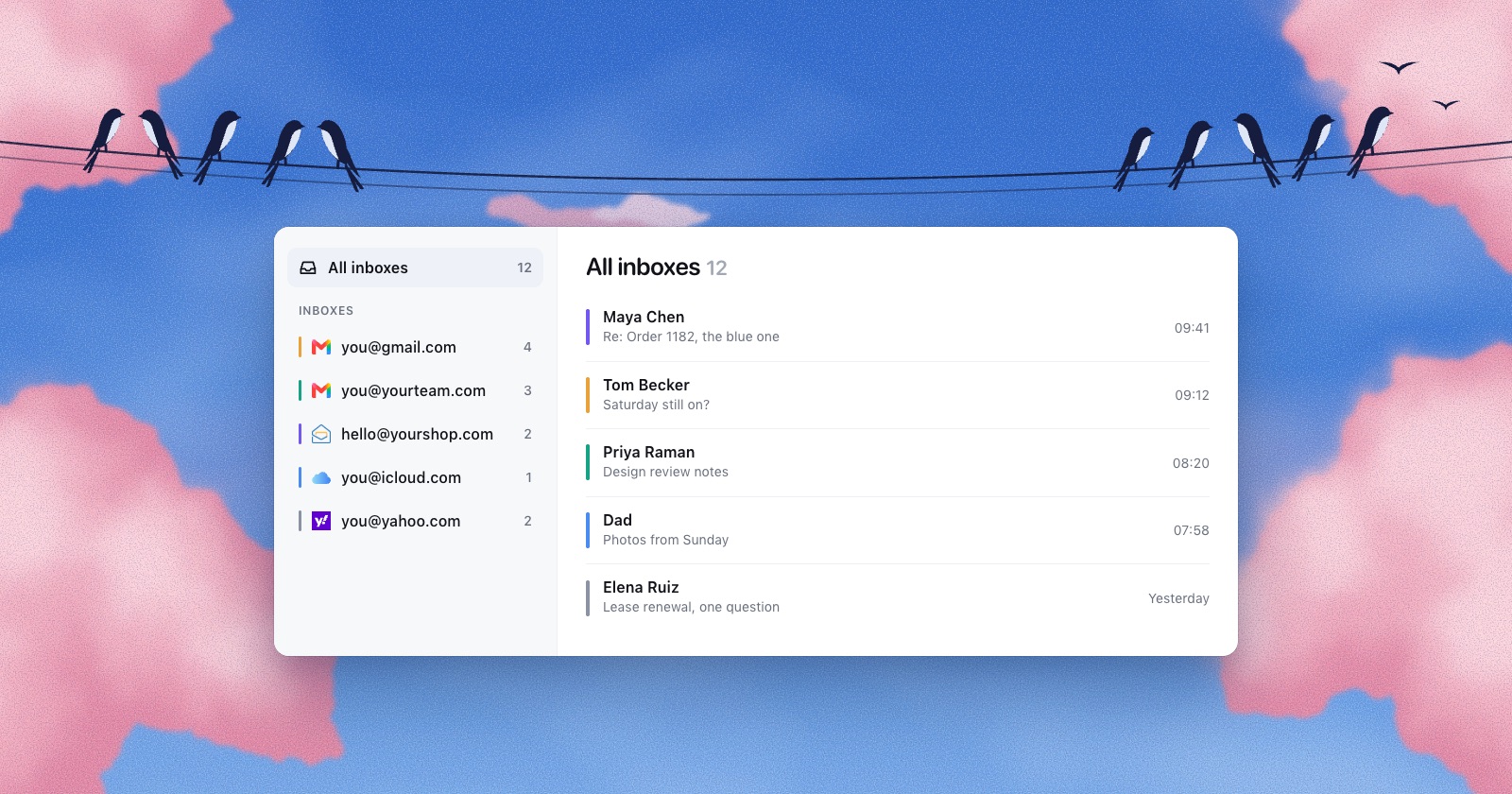
Each Gmail is added with an app password, so 2-Step Verification has to be on (the steps). They land in one All inboxes list, next to Outlook, iCloud or any IMAP address you have. Every inbox has a colour, a line down the left edge of its rows, so you see which account a letter came to. A reply goes out from that address, through that account, and the copy lands in its Sent. Nothing is forwarded, so Gmail keeps filtering spam for each account.
⌘K searches every inbox at once and reads Gmail’s search words such as from: and older_than: (more on search). Message › Move to… (⇧⌘M) lists every inbox’s folders, so a letter can go from one Gmail into the other. Mail and passwords stay on your Mac, with no Roost server in between. It needs macOS 15 or later; All inboxes compares it with Apple Mail.
Questions
What is the +1 Gmail trick?
It’s plus addressing: mail to [email protected], or any word after the plus, arrives at [email protected], and Google suggests it for sorting with filters. It isn’t a second account. Dots work the same way on personal Gmail: [email protected] and [email protected] are one inbox.
How can I merge two Google accounts into one?
You can’t. Google has no tool that merges Google Accounts. Move what you need one service at a time: forward or import the mail, and move Drive files and calendars separately.
How do I combine all inboxes in Gmail?
In the Gmail app on Android or iPhone, add each account, then tap Menu › All inboxes. Gmail on the web can’t combine accounts, so on a computer forward everything into one, or use a mail app with a unified inbox such as Apple Mail’s All Inboxes.
Can I transfer all my emails from one Gmail account to another?
Yes, as a one-time copy. Turn on POP in the old account, then use Accounts and import › Import mail and contacts in the new one. Labels don’t come along. Copying label by label in a mail app keeps them.
How do I see my multiple Gmail accounts?
In Gmail on the web, click your profile picture at the top right: every account you’re signed in to is listed, with Add account under them. In the Gmail app, tap your profile picture in the search bar.
Why are my two Gmail accounts getting the same emails?
Usually one forwards to the other. Check Forwarding and POP/IMAP and your filters in each account, and Check mail from other accounts. An import also forwards new mail for 30 days. If you find forwarding you never set up, Google says to change your password immediately.
Can I merge two Google Workspace accounts?
No. Google says Domain Transfer “does not support merging user accounts.” An admin can move one account’s mail and Drive files into the other with the data migration service.
Can I read multiple Gmail accounts in one inbox on a Mac?
Yes. Add each one to Apple Mail and put All Inboxes in Favorites, or use an app built for many inboxes. Roost, the one I make, adds each Gmail with an app password and replies from the address each letter came to.
Sources
- Google Workspace Admin Help, Identity merge & deduplication (no merge tool, Domain Transfer, migration options), read 22 November 2026.
- Google, Sign in to multiple accounts at once, read 22 November 2026.
- Google, Manage your emails with multiple inboxes, read 22 November 2026.
- Google, Add another email account in the Gmail app (Android, and iPhone & iPad: All inboxes), read 22 November 2026.
- Google, Change Gmail notifications (iPhone & iPad), read 22 November 2026.
- Google, Automatically forward Gmail messages to another account, read 22 November 2026.
- Google, Best practices for forwarding email to Gmail, read 22 November 2026.
- Google, Send emails from a different address or alias (Send mail as, plus aliases), read 22 November 2026.
- Google, Learn about changes to third-party email account support in Gmail, read 22 November 2026.
- Google, Learn about upcoming changes to Gmailify & POP in Gmail, read 22 November 2026.
- Google, Add another email account on your computer (POP from another Gmail, Import mail and contacts), read 22 November 2026.
- Google, Fix problems importing mail, read 22 November 2026.
- Google for Developers, Gmail IMAP extensions (labels as folders), read 22 November 2026.
- Google Workspace Admin Help, Gmail bandwidth limits, read 22 November 2026.
- Google, How to download your Google data, read 22 November 2026.
- Google, Manage Chrome with multiple profiles, read 22 November 2026.
- Google, Delegate & collaborate on email, read 22 November 2026.
- Google Workspace Admin Help, Use the default data import method for Gmail & Drive, read 22 November 2026.
- Google, Copy content from your school account to another account, read 22 November 2026.
- Google, Dots don’t matter in Gmail addresses, read 22 November 2026.
- Apple, Mail User Guide for macOS 27: Add and manage email accounts, Switch to Mail on Mac (All Inboxes) and Move or copy emails between mailboxes, read 22 November 2026.
- Apple, Use profiles in Safari on Mac, read 22 November 2026.