Notion Mail stopped working on September 22, 2026. Open mail.notion.com today and you get a drawing of a mailbox and the words “Notion Mail has shut down as of September 22, 2026.” Your mail is safe, because it always lived in Gmail. What’s missing is an app to read it in on your Mac.
I make Roost, one of the Mac apps below, so I have a stake in where you go next. Everything here comes from Notion’s own pages and each app’s own site, checked on November 5, 2026. Notion has since taken its Notion Mail help pages down, so I link to archived copies.
The short version
- Notion Mail closed on the web, the Mac and iPhone, for every plan. Notion said more than half of its users “manage emails without ever opening their inbox,” so email moves to its AI agents.
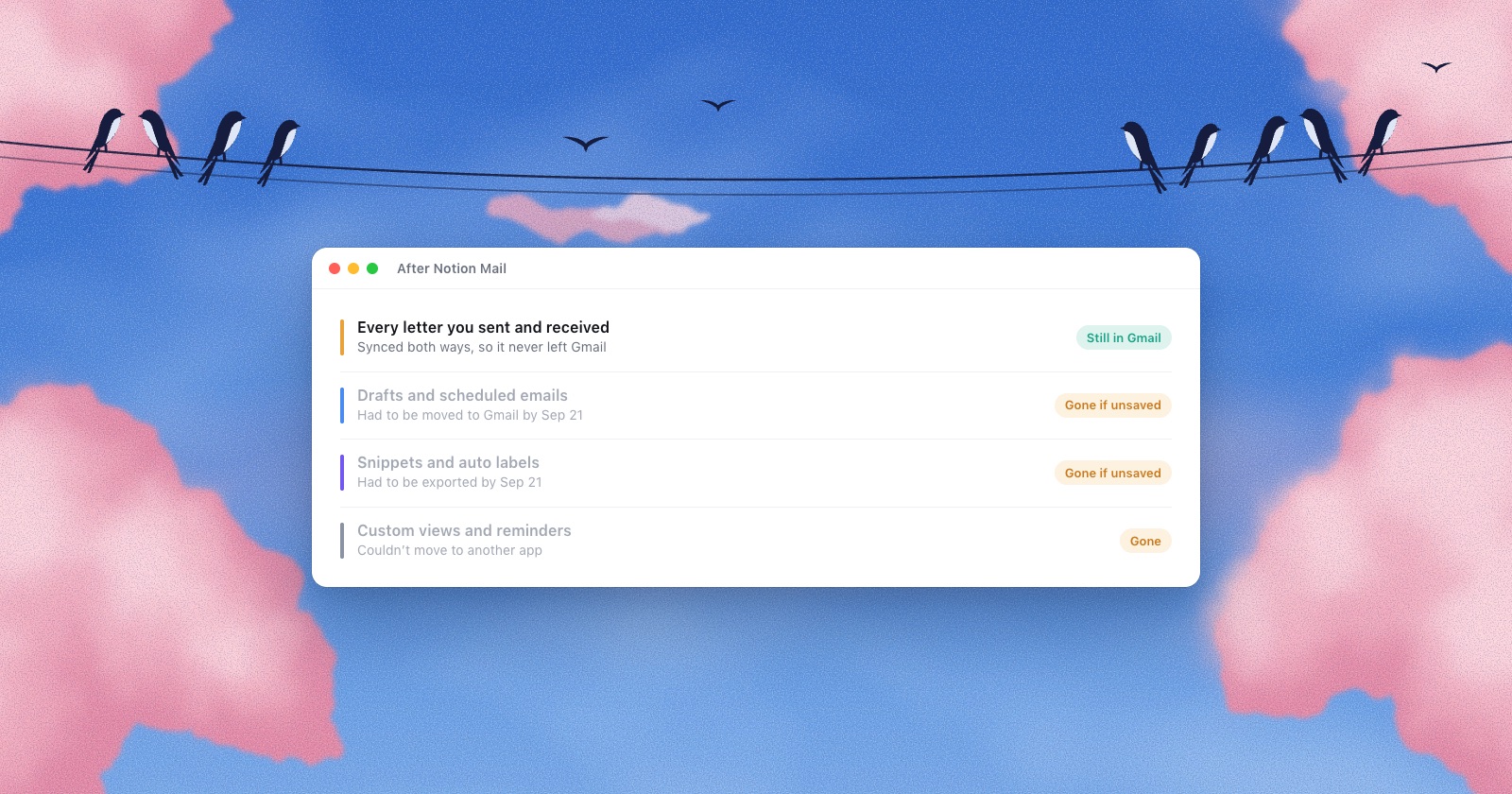
- Every letter you sent or received is still in Gmail. Drafts, scheduled emails, snippets and auto label rules had to be saved by September 21.
- Views and reminders never carried over. Gmail’s filters, templates, Schedule send and Snooze cover most of it, without the AI.
- Notion Mail only ever worked with Gmail. If you also use Outlook, iCloud or another provider, pick an app that takes those too.
- Free: Gmail as a Safari web app, or Apple Mail. Gmail only and native: Mimestream, $49.99 a year. Several providers, mail kept on the Mac, paid once: Roost.
What happened, and when
Notion Mail lasted about seventeen months. The dates come from Notion’s posts on X, its help pages and TechCrunch’s launch story:
- April 15, 2025Notion Mail launches: a free app on top of Gmail, with Notion AI sorting mail into labels and views.
- June 25, 2026Notion announces the end and opens an export for data that lived only in Notion Mail.
- June 30, 2026The date Notion gave teams relying on its HIPAA coverage to move off.
- September 21, 2026“Last day to save anything you want to keep.”
- September 22, 2026Notion Mail shuts down. “Any data you haven’t saved will be permanently deleted.”
Notion’s explanation, from its post on X: “As Notion agents have gotten more capable, we’ve seen more users hand off email workflows to them.” So it is “going all in on using agents to run your inbox.”
Two things Notion said were coming never arrived. In August 2026 its getting-started page still said Notion Mail “will support Windows soon,” and that Notion was “working on adding support” for Outlook and iCloud.
What you still have, and what’s gone
Still there
- Your mail. Notion: “every email you received or sent in Notion Mail also exists in your Gmail inbox.”
- Labels. Notion Mail used Gmail’s own labels and renamed them in Gmail too, so yours should still be there. If an auto label was set to “Filter from inbox,” those letters left your Inbox; look under the label, or in All Mail.
- Mail blocks on Notion pages, Notion AI’s Gmail connector, and Notion agents that work through Gmail.
- Synced email databases in Notion, though no new mail arrives in them.
Gone, unless you saved it in time
- Drafts and scheduled emails you didn’t move to Gmail by September 21.
- Snippets and auto label instructions you didn’t export, and files attached to snippets.
- Custom views, sorting and email reminders. Notion said these “won’t transfer to Gmail,” export or not.
I couldn’t find a way to get any of that back after the date. Ask Notion’s support if something important was in there, but plan as if it’s gone.
Where Notion Mail’s features live now
Most of Notion Mail has a plainer version in Gmail or on the Mac. What you lose is the AI: Gmail’s filters follow rules you write, and nothing reads the letter and decides for you.
| In Notion Mail | In Gmail on the web | In a Mac mail app |
|---|---|---|
| Auto labels and views | Filters that label, archive or star new mail by sender, address or words. Notion suggests a Custom Agent with Gmail access | Rules in Apple Mail, plus categories on macOS 15 |
| Snippets | Templates: Settings › See all settings › Advanced. Only in Gmail on a computer | Text Replacements in System Settings › Keyboard, which Apple says work “in many apps” |
| Scheduled emails | Schedule send, the arrow beside Send, up to 100 waiting | Send Later in Apple Mail; Send later in Roost |
| Reminders | Snooze: the letter leaves the Inbox and comes back when you choose | Remind Me in Apple Mail; Reply later in Roost |
| Scheduling meetings | Notion Calendar still runs on its own; mail.notion.com links to it | |
Seven options on a Mac
Prices are from each app’s own site on November 5, 2026, in US dollars. “Maker’s servers” means the app’s company stores or processes your mail for some feature.
| App | Price | Accounts | Maker’s servers? | Mac app |
|---|---|---|---|---|
| Gmail in Safari | Free | Gmail | Only Google | Web app, macOS 14 or later |
| Apple Mail | Free | Gmail, iCloud, Exchange, any IMAP | No | Native, built in |
| Mimestream | $49.99 a year or $4.99 a month | Gmail only | No | Native, macOS 12 or later |
| Spark | Free; Plus $99 or Pro $199 a year | Gmail, Outlook, iCloud, Yahoo, AOL, any IMAP | For Send Later, shared drafts and some AI | Electron |
| Superhuman | Mail only in Business: $33 a month billed yearly, $40 monthly | Gmail and Outlook | Yes | Desktop app |
| Shortwave | Free; Pro $18 a month; teams from $30 a seat | Gmail and Google Workspace; others forwarded into Gmail | Yes, in Google Cloud | Desktop app |
| Roost | $29 once for the first 100, then $49; or $4 a month | Gmail, Outlook, iCloud, Yahoo, AOL, Zoho, Yandex, any IMAP | No | Native, Apple silicon, macOS 15 or later |
Gmail in Safari
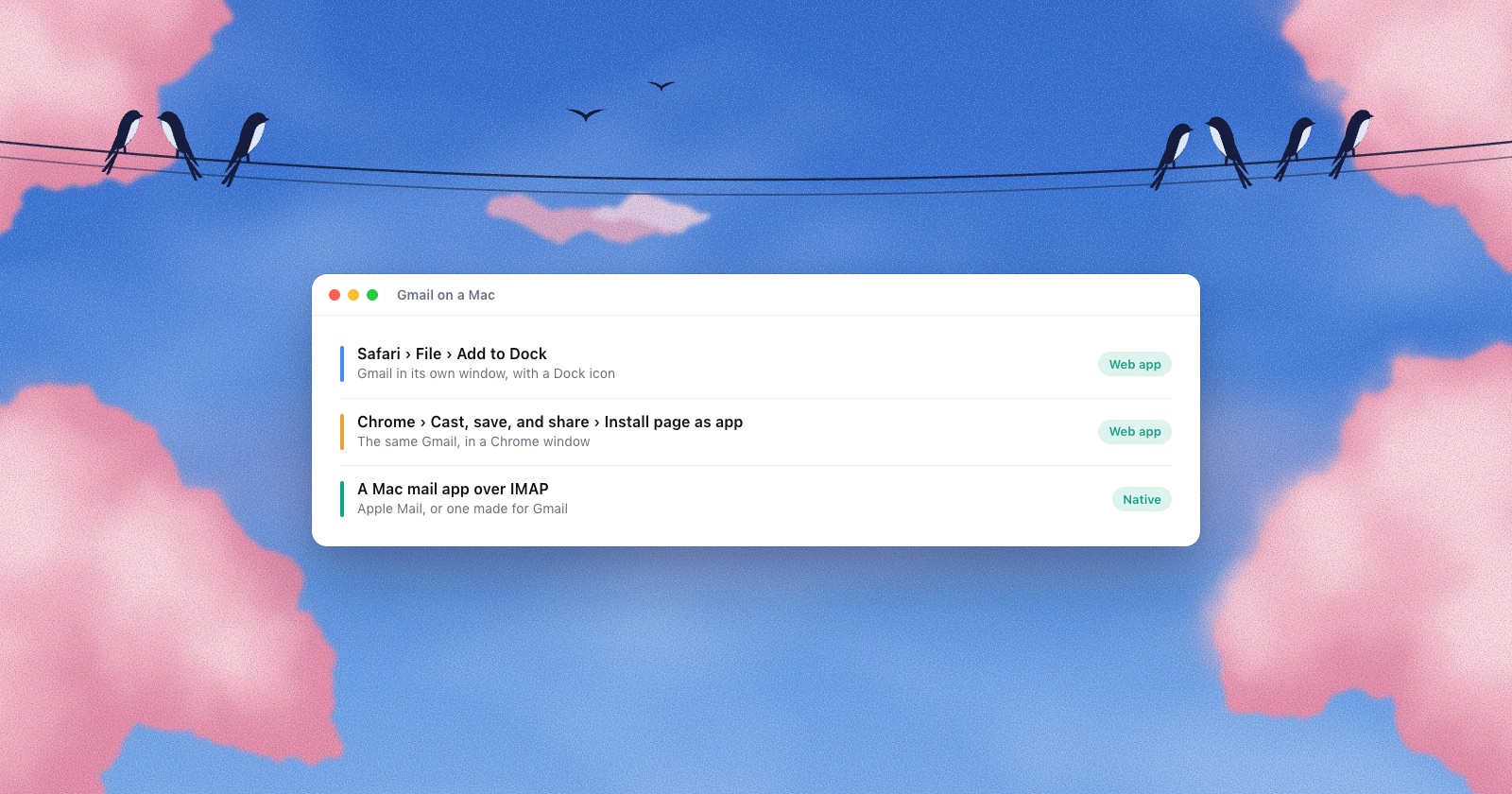
The smallest change. In Safari, open Gmail and choose File › Add to Dock: Gmail gets its own window and Dock icon, apart from your browsing (Apple says it “shares no browsing history, cookies, website data” with Safari). Your filters and templates come with it. It needs macOS Sonoma 14 or later. Chrome and offline mail are covered in Is there a Gmail app for Mac?
Apple Mail
Already on your Mac. Choose Mail › Add Account, type your Gmail address and follow the steps; other accounts go in the same way. On macOS 15 it has Send Later and Remind Me, two of the things people liked in Notion Mail. The catch is Gmail itself: labels show up as folders, so one letter can sit in several places, and a letter you delete can stay on in Gmail’s All Mail.
Mimestream
If you came to Notion Mail for a nicer Gmail on the Mac, this is the closest native app. It’s built on the Gmail API, and its privacy policy says credentials stay in your Keychain and mail in a local database. The limit, in its FAQ: “Mimestream currently only supports Gmail.” Outlook and IMAP are planned, with no date.
Spark
The free plan takes unlimited accounts from Gmail, Outlook, iCloud, Yahoo and any IMAP server. Readdle’s privacy policy says mail is “mainly processed on your device,” except features such as shared drafts and Send Later, which run on its servers, and its AI uses models on your device “and/or” providers such as OpenAI. The Mac app has been built on Electron since 2022.
Superhuman
Superhuman is now a bundle with Grammarly, and Mail comes only in its Business and Enterprise plans (its comparison page still says $25 a month). Mail is “built for Gmail and Outlook,” so iCloud and other IMAP accounts are out. Its privacy policy says it receives the emails you let it access and trains its AI models on what it collects unless you turn that off.
Shortwave
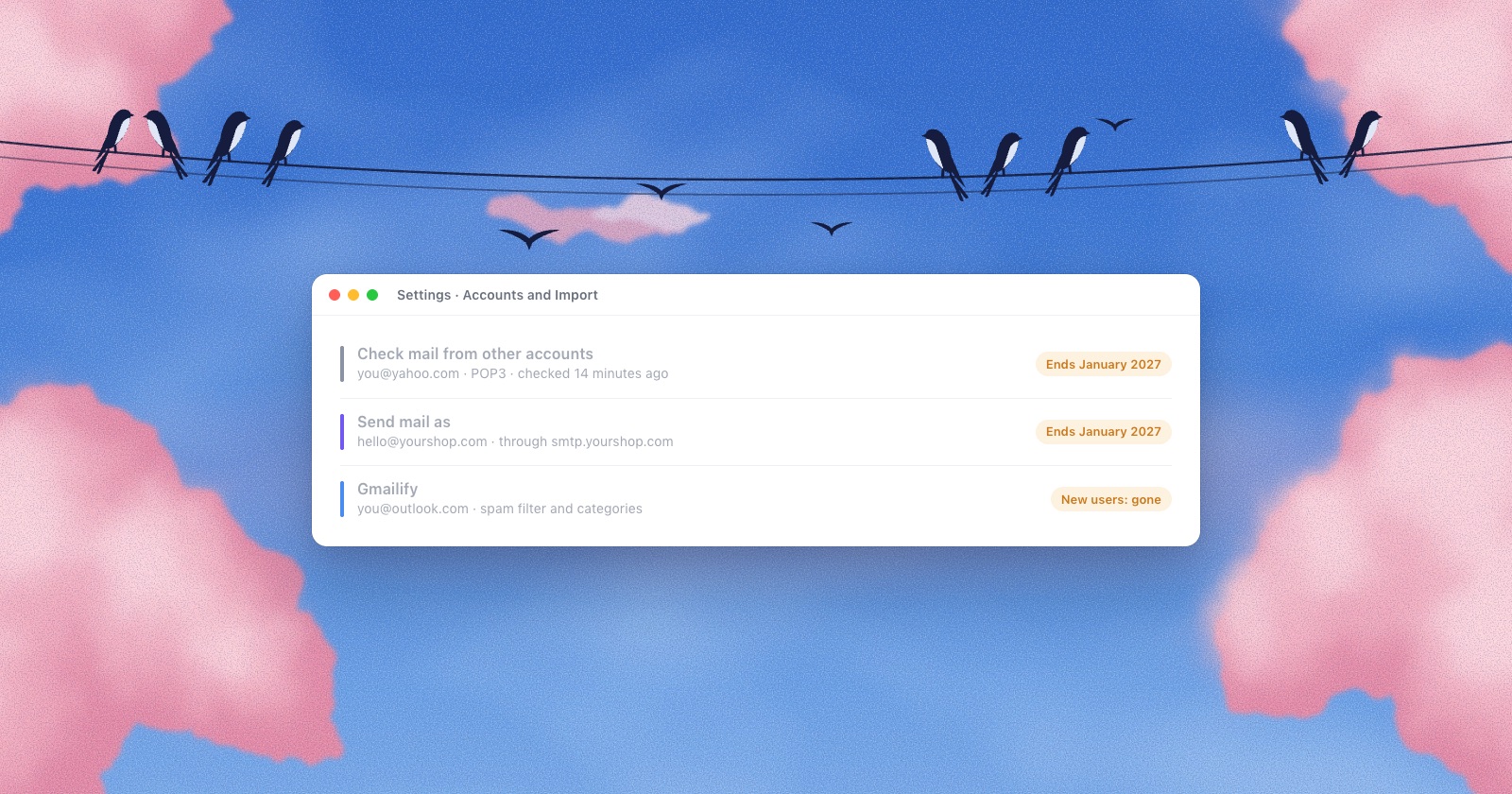
The closest in spirit to Notion Mail: AI on top of Gmail. The free plan adds “Sent with Shortwave” to your letters. It “only works with Gmail and Google Workspace,” and stores its data in Google Cloud. For Yahoo, iCloud or Zoho, its help page says to forward that mail into Gmail and reply through Gmail’s “Send mail as,” which Google ends for outside addresses in January 2027 (what that change covers).
Roost
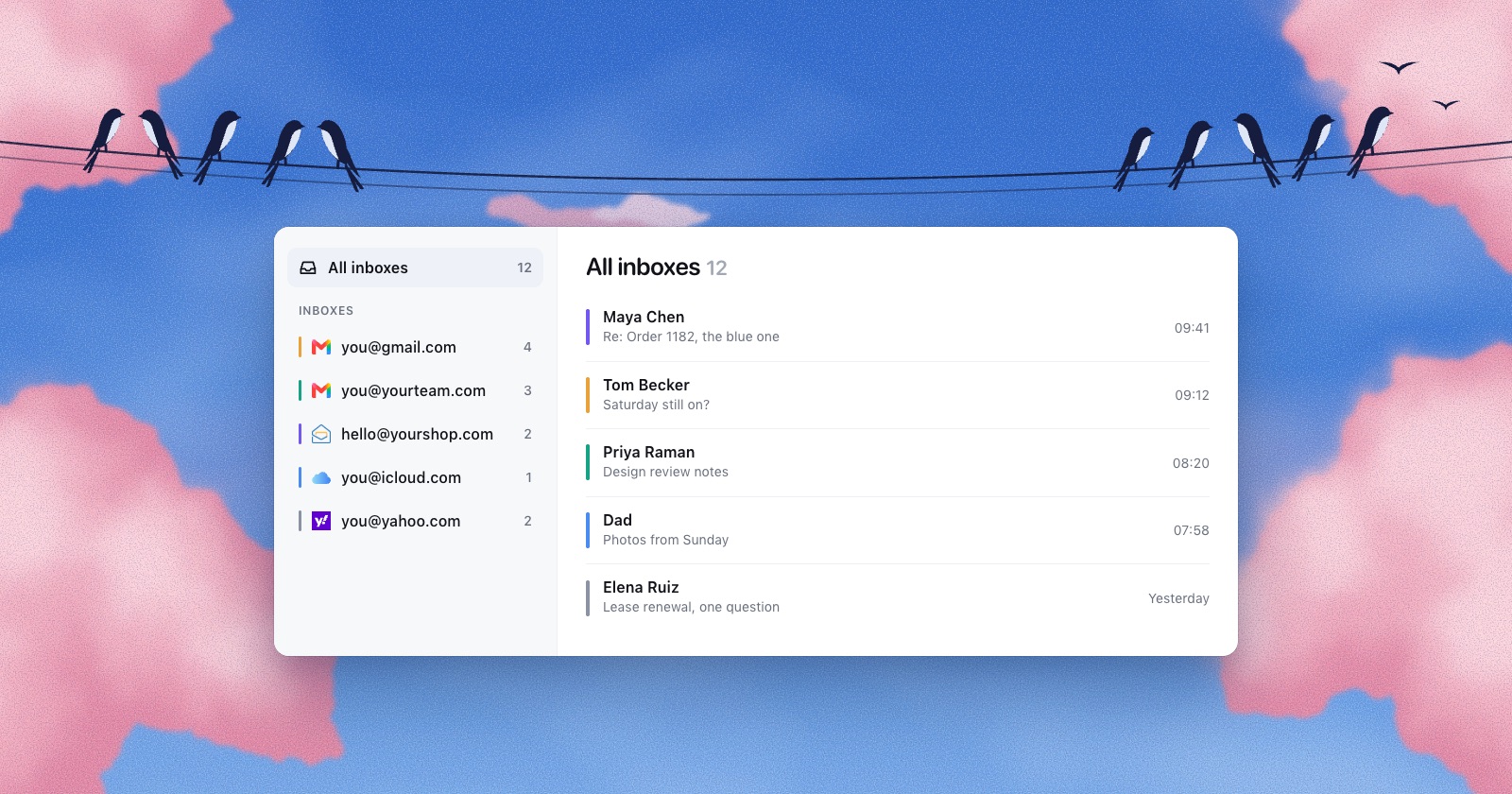
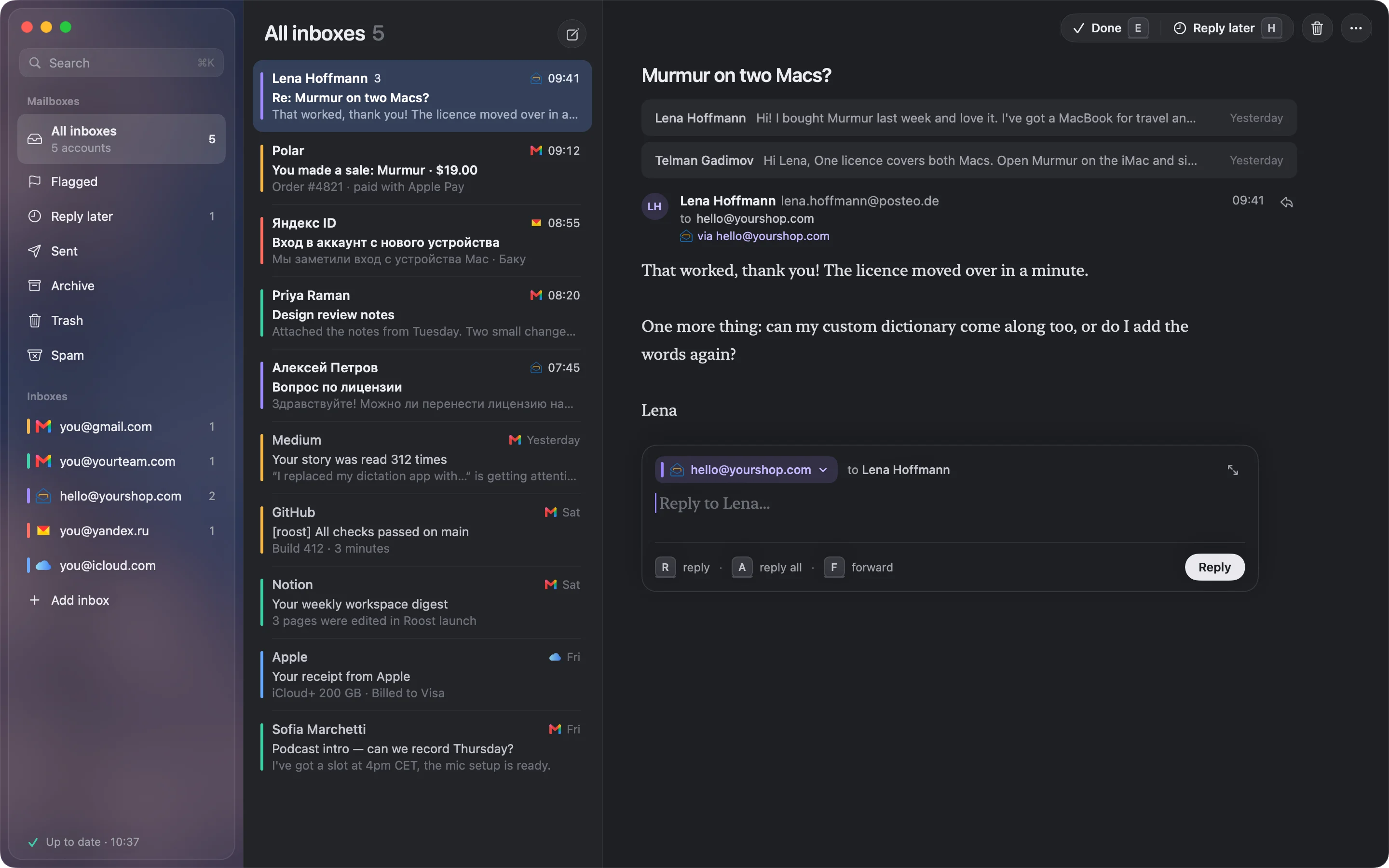
The one I make: a native Mac app for people with several inboxes. Your Gmails sit in one list next to Outlook, iCloud, Yahoo, Zoho, Yandex or your own domain, each with its own colour, and a reply goes out from the address the letter came to. Type a few words under a letter, like “friday works,” and Apple Intelligence writes the reply on your Mac for you to change and send. Mail stays on your Mac and sign-ins in its Keychain; there is no Roost server or account.
What it doesn’t do, coming from Notion Mail: there are no custom views or AI labels, because Roost keeps one inbox on purpose. It downloads the last 90 days of each folder, plus older Inbox letters that are unread or flagged, so search won’t find a letter from three years ago. Gmail connects with an app password, which needs 2-Step Verification, and Google says a work or school account may not offer one (the steps, with pictures). Writing replies needs Apple Intelligence (macOS 26). Outlook goes through Microsoft’s own mail service, which limits files to about 3 MB a letter. And unlike Notion Mail it isn’t free: $29 once for the first 100 copies, then $49, or $4 a month.
How to choose
- You used Notion Mail because it was free and you have one Gmail: add Gmail to the Dock from Safari, or give Apple Mail a week.
- Every account is Gmail or Google Workspace and you want a polished native app: Mimestream.
- You want AI to sort and draft for you: Notion’s agents with Gmail, Shortwave or Superhuman. The last two say in their own pages that they store or receive your mail.
- You kept a second app open for Outlook, iCloud or a work address the whole time: an app that takes every provider, such as Apple Mail, Spark or Roost. Check how each picks the From address before a client gets a reply from the wrong one.
Eleven apps side by side: The best email client for a Mac with several accounts.
Questions
Why did Notion Mail shut down?
Notion said more users were handing email to its AI agents, and that more than half of Notion Mail users managed email “without ever opening their inbox.” It is putting email into those agents instead of a separate app.
Did I lose my emails when Notion Mail shut down?
No. Notion Mail synced both ways with Gmail, so every letter is in your Gmail account. What could be lost were drafts, scheduled emails, snippets and auto label rules that weren’t saved by September 21, 2026.
Can I still export my Notion Mail drafts or snippets?
Not that I could find. The export closed on September 21, 2026, and Notion said unsaved data would be permanently deleted the next day.
Did Notion Mail ever support Outlook or iCloud?
No. It needed a Gmail or Google Workspace address. Notion said it was working on Outlook and iCloud, but Notion Mail shut down without them.
Is there a free Notion Mail alternative for Mac?
Yes. Gmail added to the Dock as a Safari web app and Apple Mail are both free, and Spark and Shortwave have free plans.
Is Notion Mail coming back?
Notion hasn’t said so. Its page at mail.notion.com says Notion Mail “has shut down as of September 22, 2026,” and its help pages about the app have been removed.
Sources
- Notion, Notion Mail inbox is going away: what to do next (archived August 28, 2026; the live page now redirects)
- Notion, Get started with Notion Mail and Use Notion AI with Notion Mail (archived August 23, 2026)
- Notion Mail on X, the announcement and what to expect, June 25, 2026; mail.notion.com, checked November 5, 2026
- TechCrunch, Notion releases its AI-driven email inbox, April 15, 2025; Engadget, Notion Mail is shutting down, June 25, 2026
- Google, Create rules to filter your emails, Create a template in Gmail, Schedule emails to send, Snooze emails, Sign in with app passwords, changes to third-party account support
- Apple, Use Safari web apps on Mac, Add email accounts in Mail, Send Later on macOS 15, Text Replacements
- Mimestream, pricing, FAQ, privacy
- Readdle, Spark pricing, privacy policy, Mac App Store listing; Michael Tsai, Spark switches to Electron (2022)
- Superhuman, plans, comparison page, privacy policy
- Shortwave, pricing, other email providers, security