Sort of. Yahoo has never built a mail app for macOS, and its own help pages name only the website and the apps for Android and iOS. But the Mac App Store does offer Yahoo’s iPad app to Macs with Apple silicon, labelled “Designed for iPad.” There are four other ways to get Yahoo Mail out of a browser tab, and they work on Intel Macs too. AOL Mail is near the end.
The short version
- On an M1 or newer Mac with macOS 14 or later, you can install “Yahoo Mail: Your Email & Inbox” from the Mac App Store. The seller is Yahoo Inc. It is the iPad app in a Mac window.
- On any Mac with macOS Sonoma 14 or later, Safari’s File › Add to Dock turns mail.yahoo.com into an app with its own Dock icon. Chrome and Edge can too.
- Apple Mail has Yahoo in its list of account providers, and you sign in on Yahoo’s own page. No server names to type.
- Any other mail app connects over IMAP (
imap.mail.yahoo.com, port 993), usually with an app password from Yahoo’s Account Security page.
Is there a Yahoo Mail app for Mac?
I checked on 12 November 2026. Yahoo’s help page “Ways to securely access Yahoo Mail” lists what Yahoo supports: an app password, “the Yahoo Mail website: mail.yahoo.com,” and “the Yahoo Mail app on your Android or iOS devices.” No Mac app is mentioned.
The App Store listing tells a slightly different story. “Yahoo Mail: Your Email & Inbox,” sold by Yahoo Inc., carries the label “Designed for iPad” and has a Mac line under Compatibility: “Requires macOS 14.0 or later and a Mac with Apple M1 chip or later.” Apple’s App Store guide explains the label: it marks iPhone and iPad apps that work on a Mac, where you can hold Option to make the trackpad act as a touch screen.
So the only Yahoo Mail app from Yahoo that installs on a Mac is its iPad app, and there is nothing for Intel Macs. Other apps in the Mac App Store with “Yahoo” in the name come from other companies; check that the seller line says Yahoo Inc.
Can you download Yahoo Mail on a MacBook?
From the Mac App Store, yes, if the MacBook has an M1 chip or newer and macOS 14 or later (Apple menu › About This Mac shows the chip). Yahoo has no installer for macOS on its own site, so a “Yahoo Mail for Mac download” offered as a .dmg file is somebody else’s software.
1. Yahoo’s iPad app from the Mac App Store
Open the App Store on the Mac, search for Yahoo Mail, and pick the one from Yahoo Inc. with “Designed for iPad” under its name. It’s free, with in-app purchases.
What you get is the iPad app. Its listing says it can also take Gmail, Outlook and AOL accounts. I haven’t tried it against the other routes here. It was made for a touch screen.
2. Safari: Add to Dock
Since macOS Sonoma 14, Safari can turn any site into a web app with its own window and Dock icon.
- Open
mail.yahoo.comin Safari and sign in. - Choose File › Add to Dock.
- Keep the name or type your own, and click Add.
The web app “shares no browsing history, cookies, website data, or settings with Safari,” so you sign in to Yahoo once more inside it. If you allow notifications there, the red number on the Dock icon counts unread notifications. That’s Apple’s wording, so the number won’t always match your unread mail.
This is still Yahoo’s website in a window of its own, with whatever the website shows around your mail.
3. Chrome or Edge: install the site as an app
In Chrome, open mail.yahoo.com, then More (⋮) › Cast, save, and share › Install page as app.
In Microsoft Edge the path is Settings and more (…) › More tools › Apps › Install this site as an app.
Either way you get a browser window without tabs and an icon in the Dock.
4. Apple Mail
Mail is already on the Mac, and Apple’s guide names Yahoo among the accounts macOS can add (“Exchange, Google, Yahoo, and other internet accounts”).
- In Mail, choose Mail › Add Account. System Settings › Internet Accounts › Add Account does the same.
- Type your Yahoo address, or click “choose from a list” and pick Yahoo.
- Sign in when asked, then choose which apps should use the account. Mail is the one you need.
Picking Yahoo from the list matters. Yahoo’s help says that when you add the account to Apple Mail on a Mac you should “look for the Yahoo provider logo to trigger the secure sign-in method.” That route needs no app password and no server names. If an old Yahoo account in Mail fails with “Authentication failed,” Yahoo’s fix is to remove it and add it again this way.
5. Another Mac mail app, over IMAP
Every Mac mail app can read Yahoo over IMAP. These are the settings on Yahoo’s help page:
| Server | Port | Security | |
|---|---|---|---|
| Incoming (IMAP) | imap.mail.yahoo.com | 993 | SSL required |
| Outgoing (SMTP) | smtp.mail.yahoo.com | 465 or 587 | SSL required, sign-in required |
The username is your full address. For the password, Yahoo’s IMAP page points to “Generate App Password.” Its other pages are less firm (one says you “may need” one with two-step verification on), but plan on one for any app that doesn’t show Yahoo’s own sign-in page.
How to make a Yahoo app password
- Sign in at login.yahoo.com/myaccount/security.
- Under External connections, select Create app password.
- Type a name for the app and select Generate password.
- Paste the code into the mail app as the password, then select Done.
Two things from Yahoo’s page. The option isn’t always there: Yahoo says to use a browser you’ve signed in to Yahoo Mail with “for several days in a row” and to avoid Incognito, and adds that customer care can’t override the check. On a new Mac that can mean waiting a few days. And app passwords stay valid when you change your main password; to cut an app off, delete its app password.
Which app
- Outlook for Mac. Microsoft says it is “free to use with your personal Outlook.com, Gmail, iCloud, Yahoo, and IMAP accounts.” Yahoo accounts now sync through Microsoft Cloud by default, which means through Microsoft’s servers. Microsoft’s page says you can choose “Sync directly with” Yahoo instead.
- Thunderbird. Free, with a macOS download. Yahoo’s help says that when you add the account, Thunderbird will “automatically activate the secure sign-in method.”
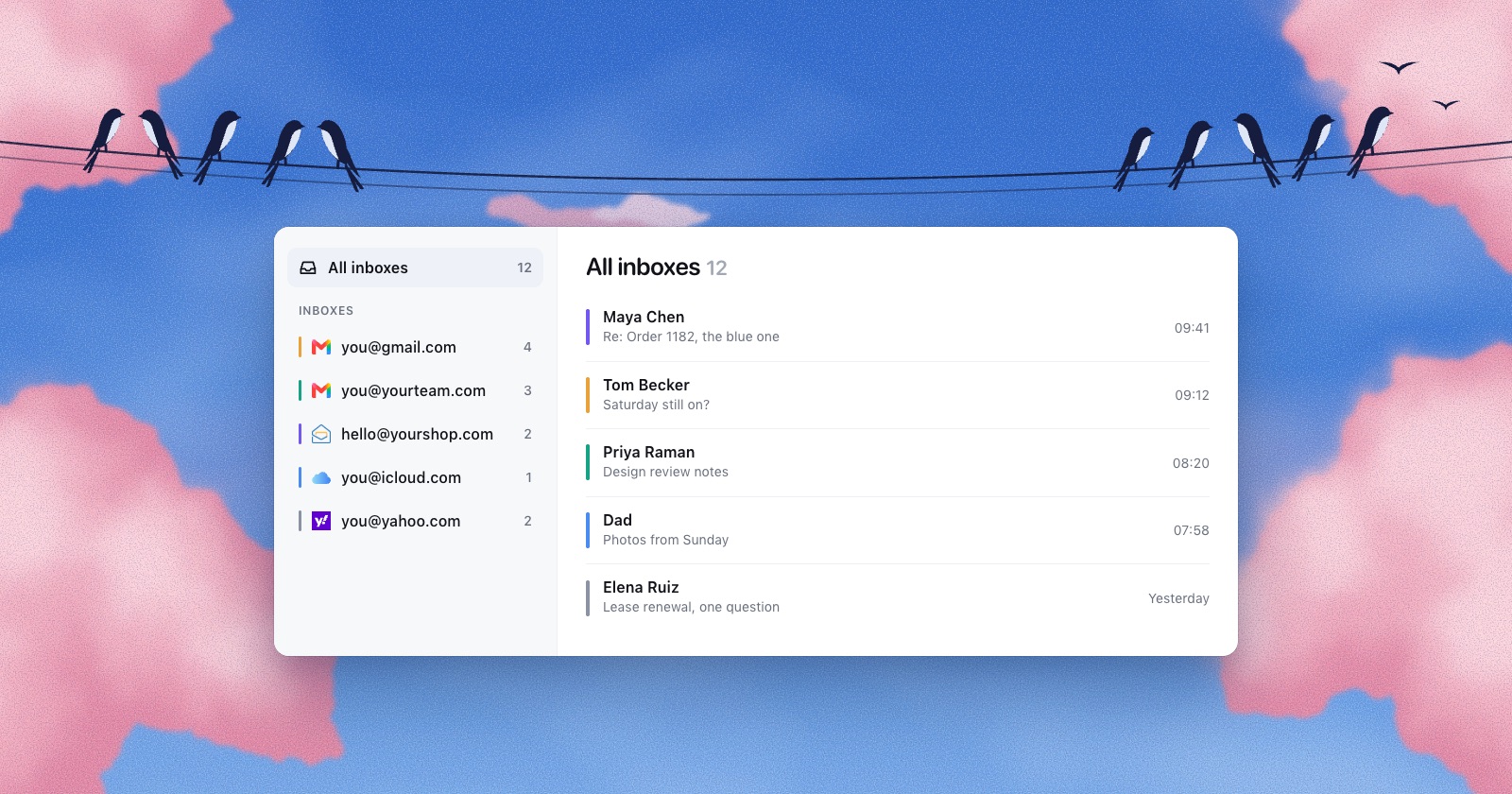
- Roost. This is the one I make, so weigh that. It’s a native Mac app for people with several inboxes: Yahoo sits in one window with Gmail, Outlook, iCloud, AOL, Zoho, Yandex or any IMAP address, and the mail stays on your Mac. Yahoo connects with an app password today, and the steps with pictures are at Add your Yahoo Mail to Roost. It needs Apple silicon and macOS 15 or later. Free for 3 days, then you pay once.
If Yahoo is one inbox of several, I compared eleven apps in the best email client for a Mac with several accounts. If one of the others is Gmail, see Is there a Gmail app for Mac?
Which one to pick
| Option | Works on | What it is | Other accounts | Cost |
|---|---|---|---|---|
| Yahoo’s iPad app | Apple silicon, macOS 14+ | Yahoo’s iPad app in a Mac window | Gmail, Outlook, AOL (per its listing) | Free, in-app purchases |
| Safari web app | Any Mac on macOS 14+ | Yahoo’s website in its own window | No | Free |
| Chrome or Edge app | Any Mac with that browser | Yahoo’s website in its own window | No | Free |
| Apple Mail | Any Mac | The mail app that comes with macOS | Yes | Free |
| Outlook for Mac | See Microsoft’s requirements | Mail app; syncs through Microsoft Cloud unless you turn that off | Yes | Free for personal accounts |
| Thunderbird | See Thunderbird’s requirements | Mail app | Yes | Free |
| Roost | Apple silicon, macOS 15+ | Mail app; mail stays on the Mac | Yes | Free for 3 days, then $29 once for the first 100 copies, $49 after |
Is there an AOL Mail app for Mac?
No. The AOL app in the App Store lists iPhone, iPad and Apple Vision under Compatibility and has no Mac line, so unlike Yahoo’s it isn’t offered to Apple silicon Macs.
Older guides say AOL and Yahoo share an owner. They no longer do: Bending Spoons agreed to buy AOL from Yahoo in October 2025, and its filing with the US Securities and Exchange Commission says the purchase was completed on 2 January 2026. AOL’s help pages still read like Yahoo’s, though, and on a Mac the routes are the same:
- Safari, Chrome or Edge web app: use
mail.aol.comin the steps above. - Apple Mail: add the account and, in AOL’s words, “look for the AOL provider logo to trigger the secure sign in method.”
- Any other mail app:
imap.aol.comon port 993 andsmtp.aol.comon port 465, both with SSL, and your full address as the username.
AOL app passwords are made at login.aol.com/myaccount/security: Generate app password (on some accounts “Generate and manage app passwords”), Get Started, a name, Generate password. AOL’s page has Yahoo’s condition, a browser you’ve used to sign in to AOL Mail “for several days in a row” and no Incognito, and app passwords survive a password change there too. For Roost the steps are at Add your AOL Mail to Roost.
Questions
Is there an official Yahoo Mail app for Mac?
Yahoo hasn’t made an app for macOS. Its iPad app, “Yahoo Mail: Your Email & Inbox” from Yahoo Inc., is offered in the Mac App Store to Macs with an M1 chip or newer on macOS 14 or later, marked “Designed for iPad.”
Can I download Yahoo Mail on a MacBook Air?
Yes, if it has an M1 chip or newer and macOS 14 or later: install Yahoo’s iPad app from the Mac App Store. Or add mail.yahoo.com to the Dock from Safari with File › Add to Dock (macOS 14 or later).
How do I add Yahoo Mail to Mac Mail?
In Mail, choose Mail › Add Account, pick Yahoo from the list, and sign in on Yahoo’s page. You don’t need server settings or an app password when you pick Yahoo by its logo.
What are Yahoo’s IMAP settings?
Incoming: imap.mail.yahoo.com, port 993, SSL. Outgoing: smtp.mail.yahoo.com, port 465 or 587, SSL, with sign-in. The username is your full address; the password is usually an app password.
Why is there no “Create app password” option in my Yahoo account?
Yahoo decides who can make one. Its help says to use a browser you’ve signed in to Yahoo Mail with for several days in a row, not an Incognito or private window, and that customer care can’t override this.
Is there an AOL Mail app for Mac?
No. AOL’s App Store app lists iPhone, iPad and Apple Vision, not Mac. On a Mac, use mail.aol.com as a Safari or Chrome web app, add AOL to Apple Mail, or connect another mail app to imap.aol.com with an AOL app password.
Sources
- Apple App Store, Yahoo Mail: Your Email & Inbox and AOL Mail, News, Weather; Apple, Use iPhone and iPad apps on Mac with Apple silicon
- Yahoo Help, Ways to securely access Yahoo Mail, IMAP server settings for Yahoo Mail, Generate and manage 3rd-party app passwords
- Apple, Use Safari web apps on Mac and Add an internet account
- Google, Use web apps in Chrome; Microsoft, Install, manage, or uninstall apps in Microsoft Edge
- Microsoft, How licensing and access works in Outlook for Mac and Add email accounts in Outlook for Mac using Microsoft Cloud; Thunderbird, downloads
- AOL Help, Ways to securely access AOL Mail, Use POP or IMAP to sync AOL Mail on a third-party app, Create and manage 3rd-party app passwords
- Bending Spoons, Form F-1 filed with the SEC (the AOL purchase: agreed 29 October 2025, completed 2 January 2026)